Generation Quality
StandardFast with balanced detailAI Family Photo Generator
Create, edit, and repair family photos from the pictures you already have. Turn separate images into a warmer, more complete family portrait ready to share or print.
Start with Your PhotosWhat would you like to improve next?
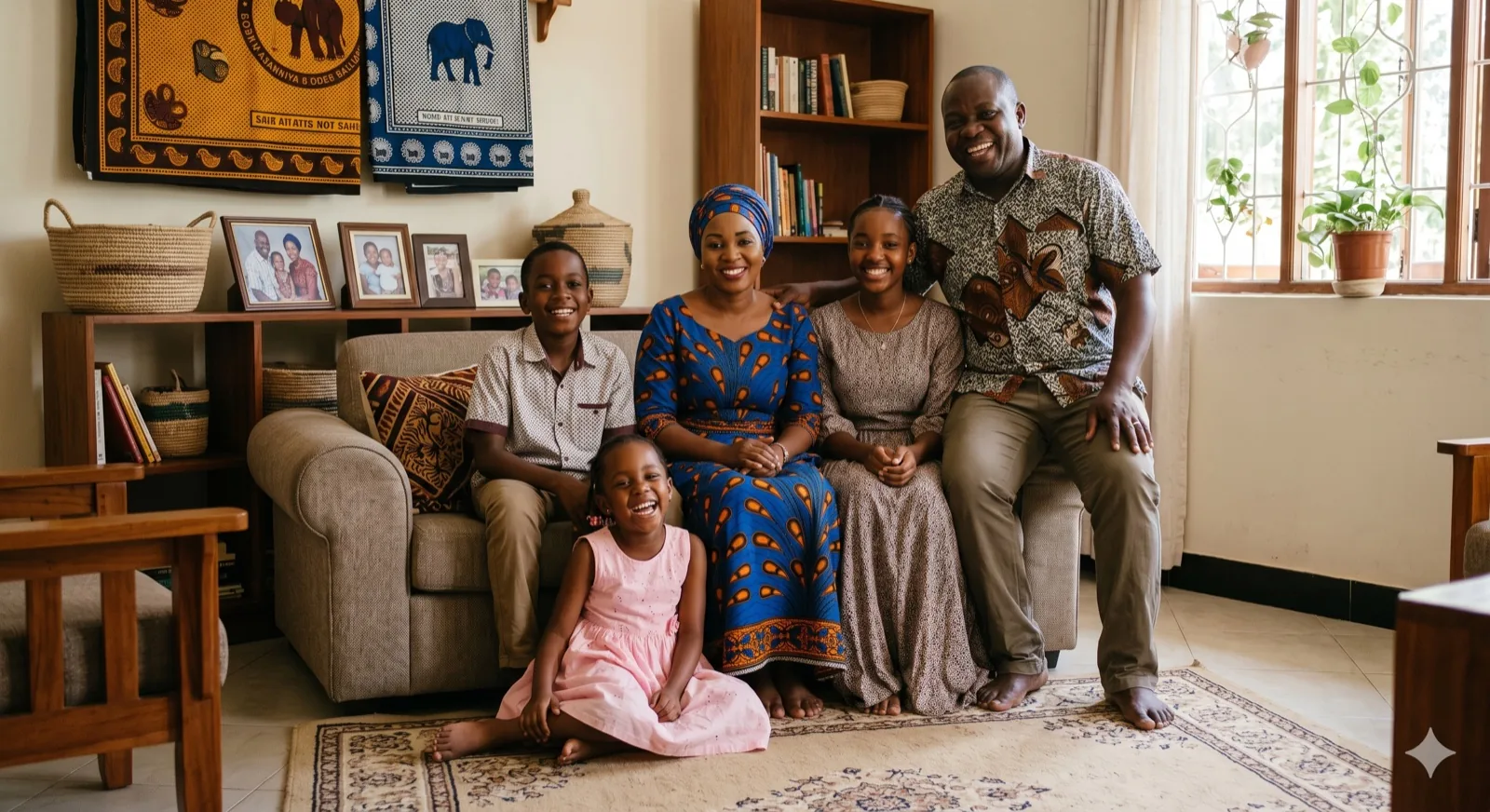
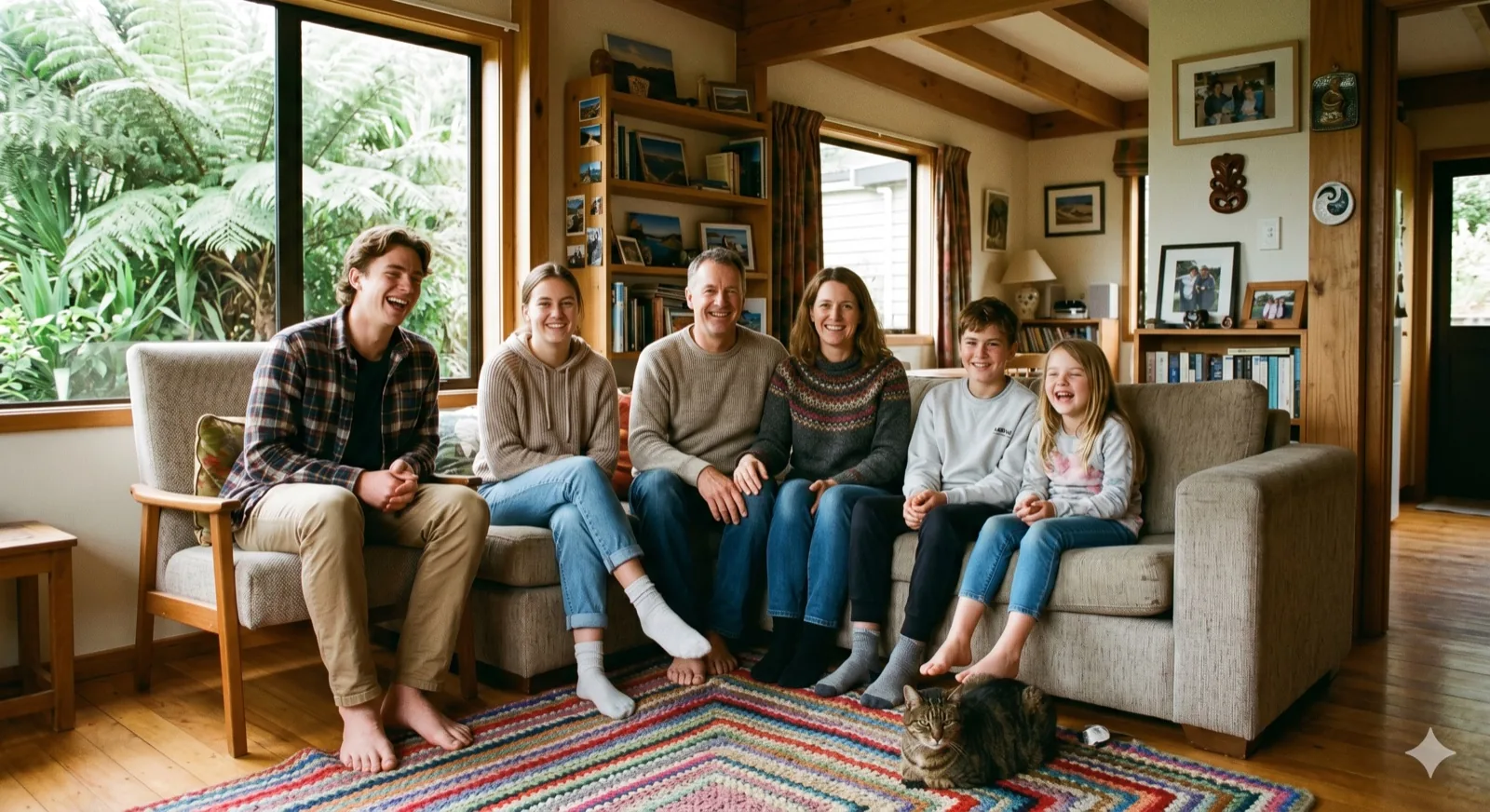
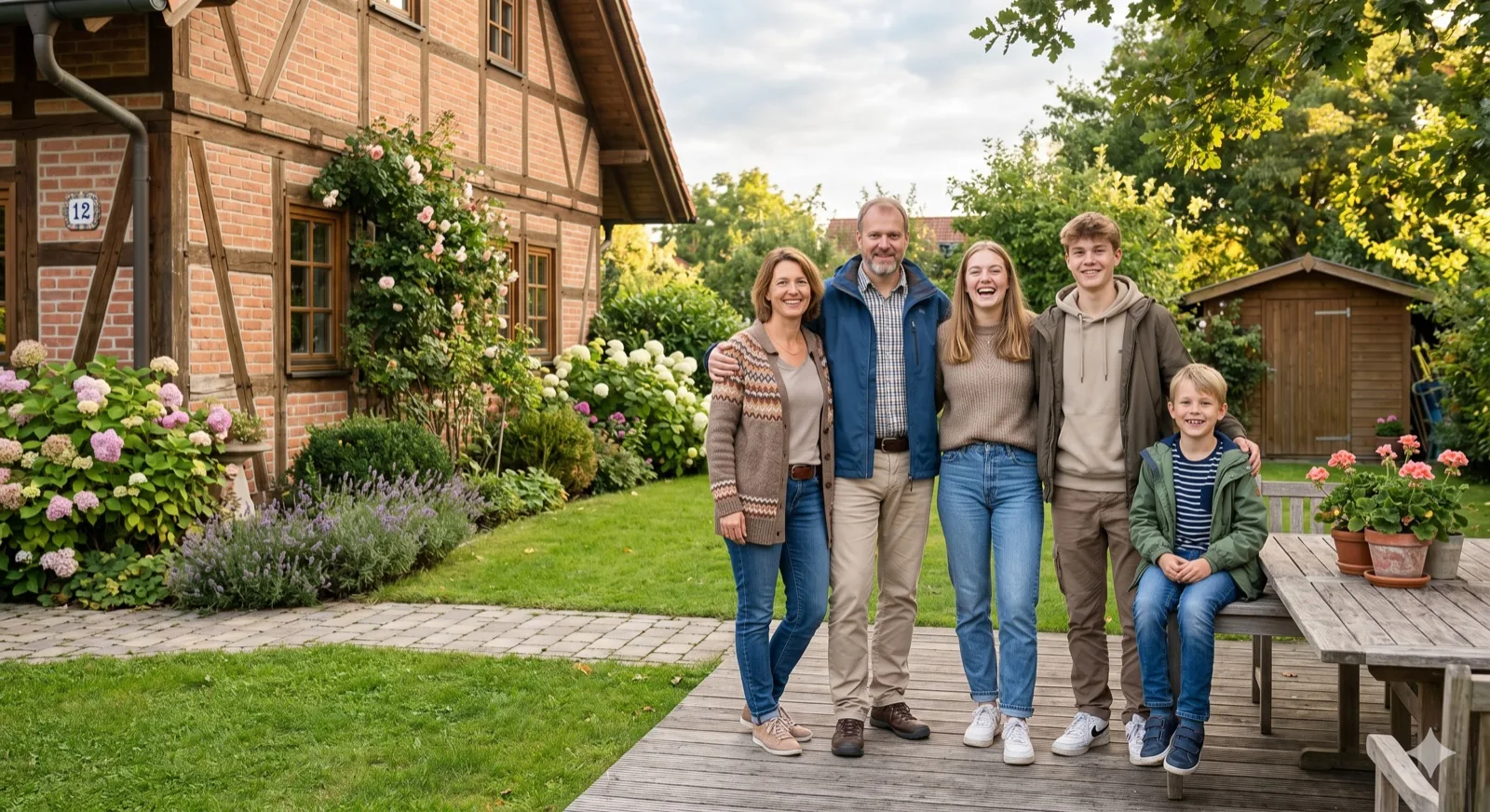
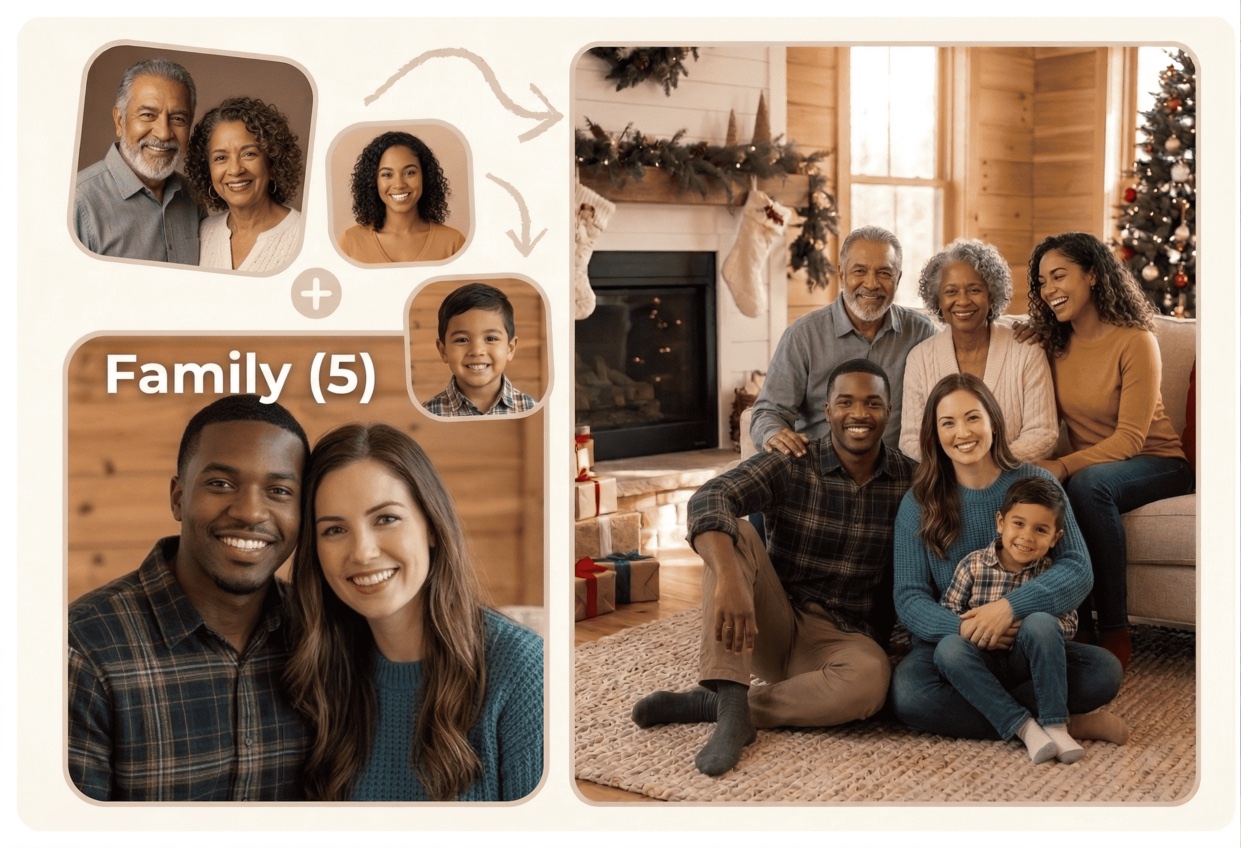
Swipe or scroll to browse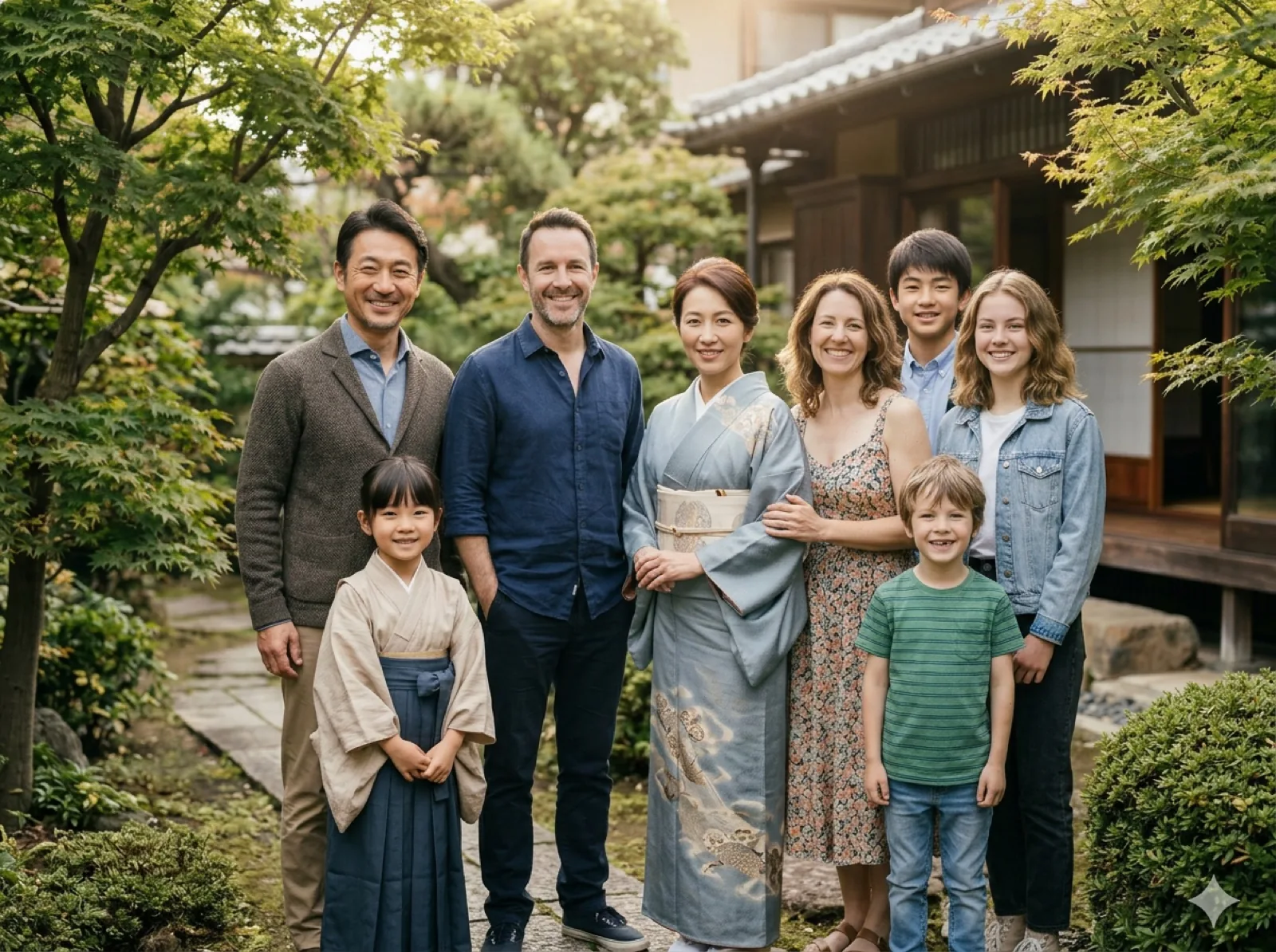 Separate Photos Combine family photos taken at different times into one natural portrait.
  Repair Old Photos Warm up older family photos, clean the look, and make them easier to share or print.
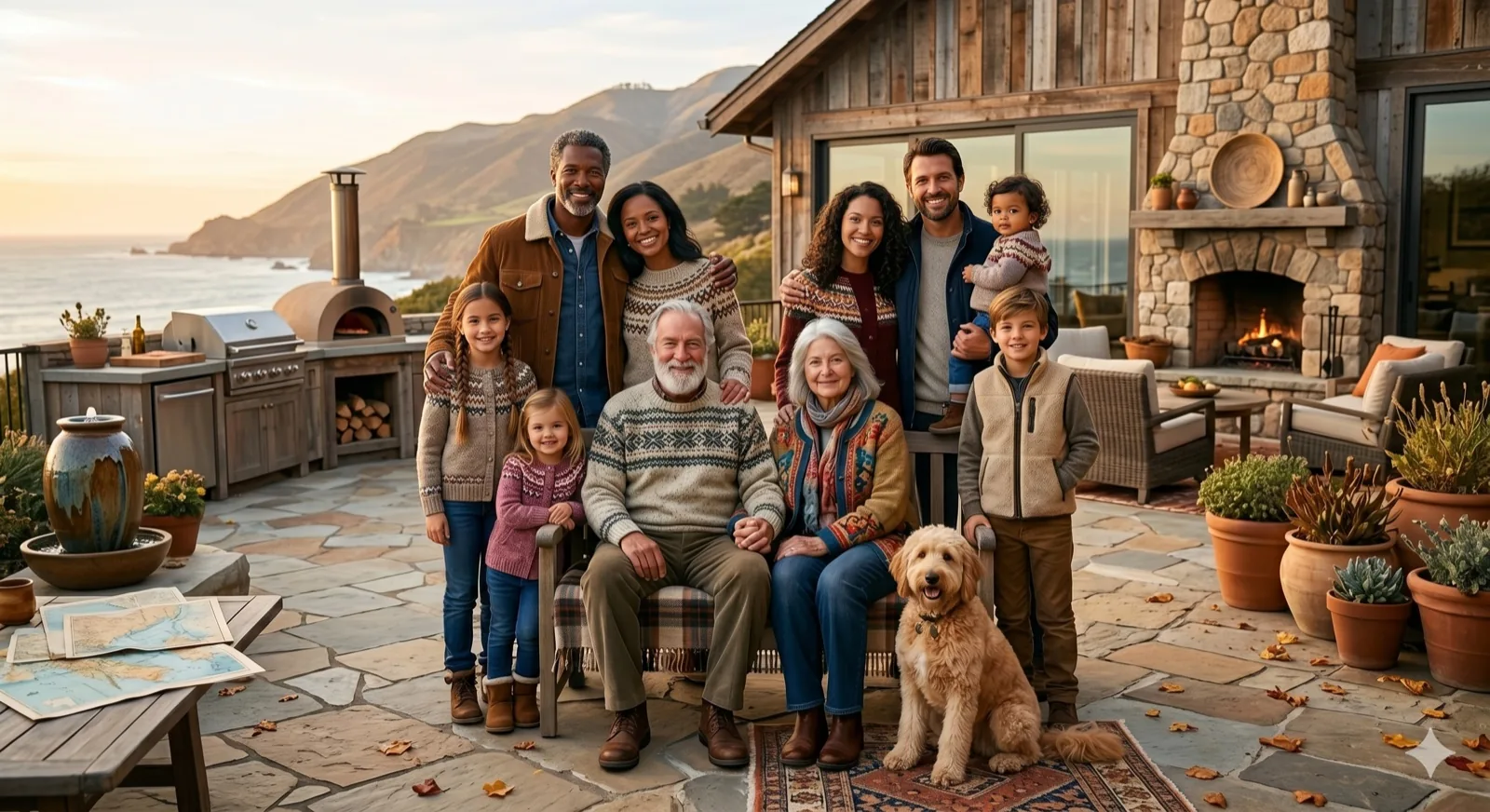
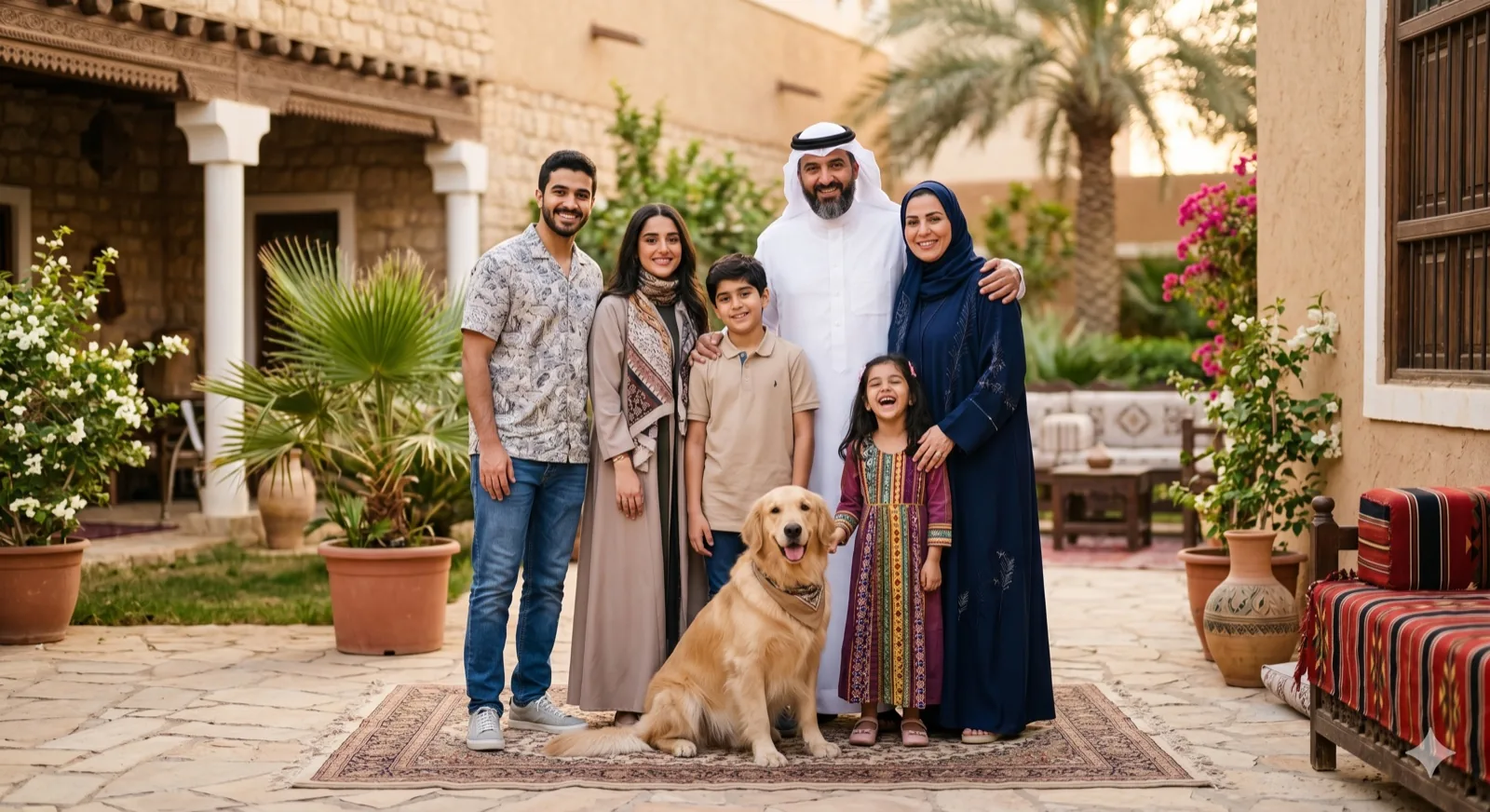
 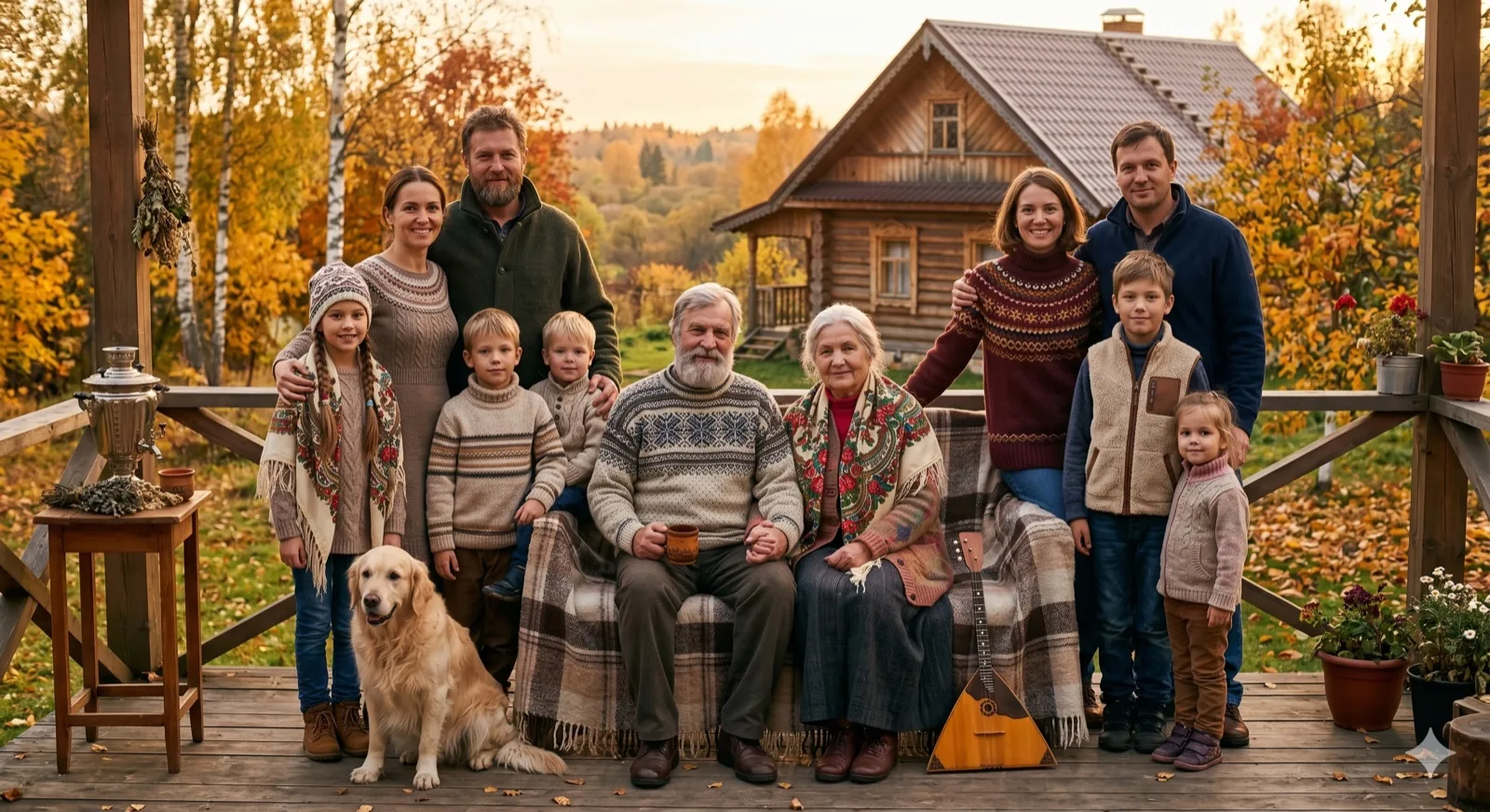 Family with Pets Make dogs or cats feel naturally part of the family scene.
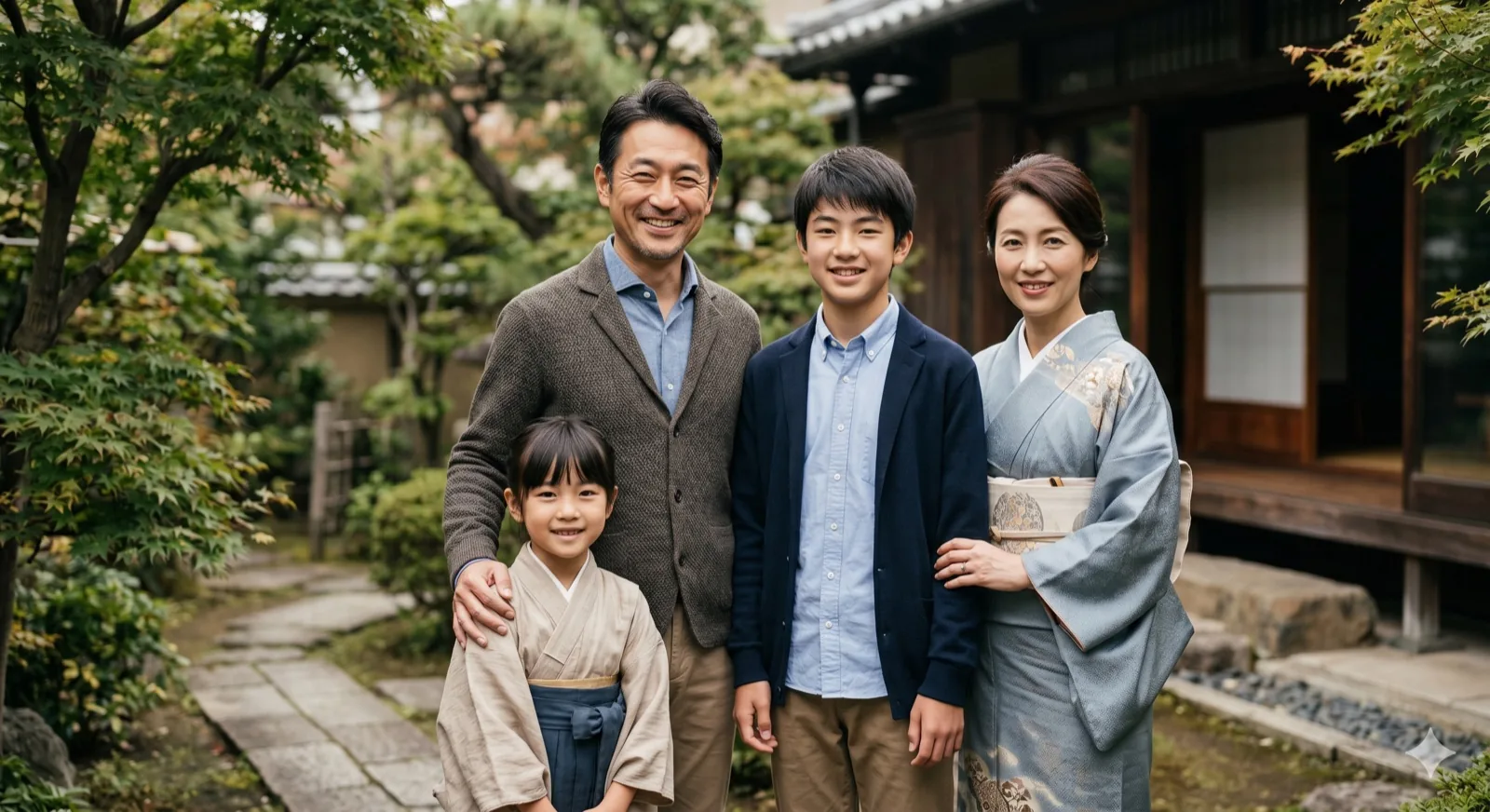
 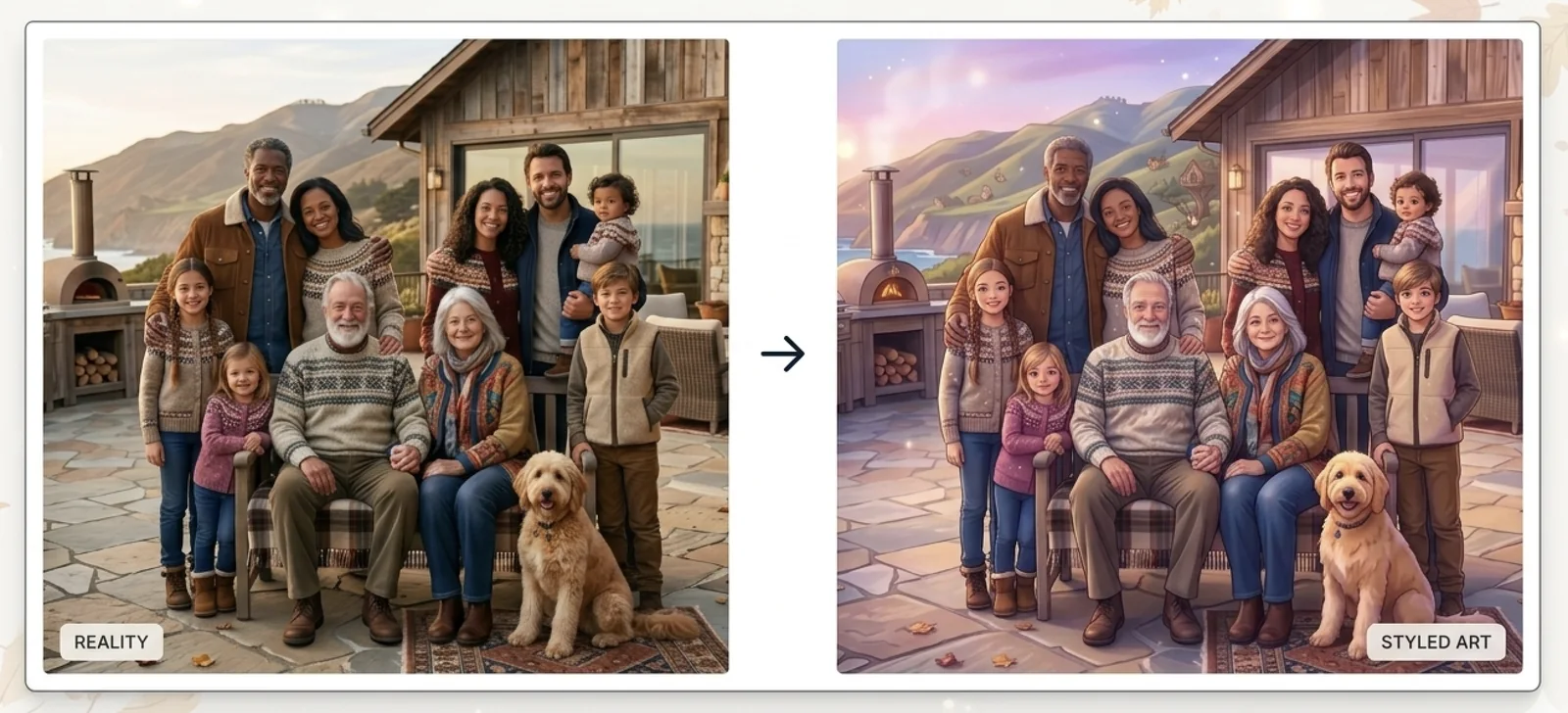 Anime Family Portraits Turn family photos into an illustrated keepsake look.
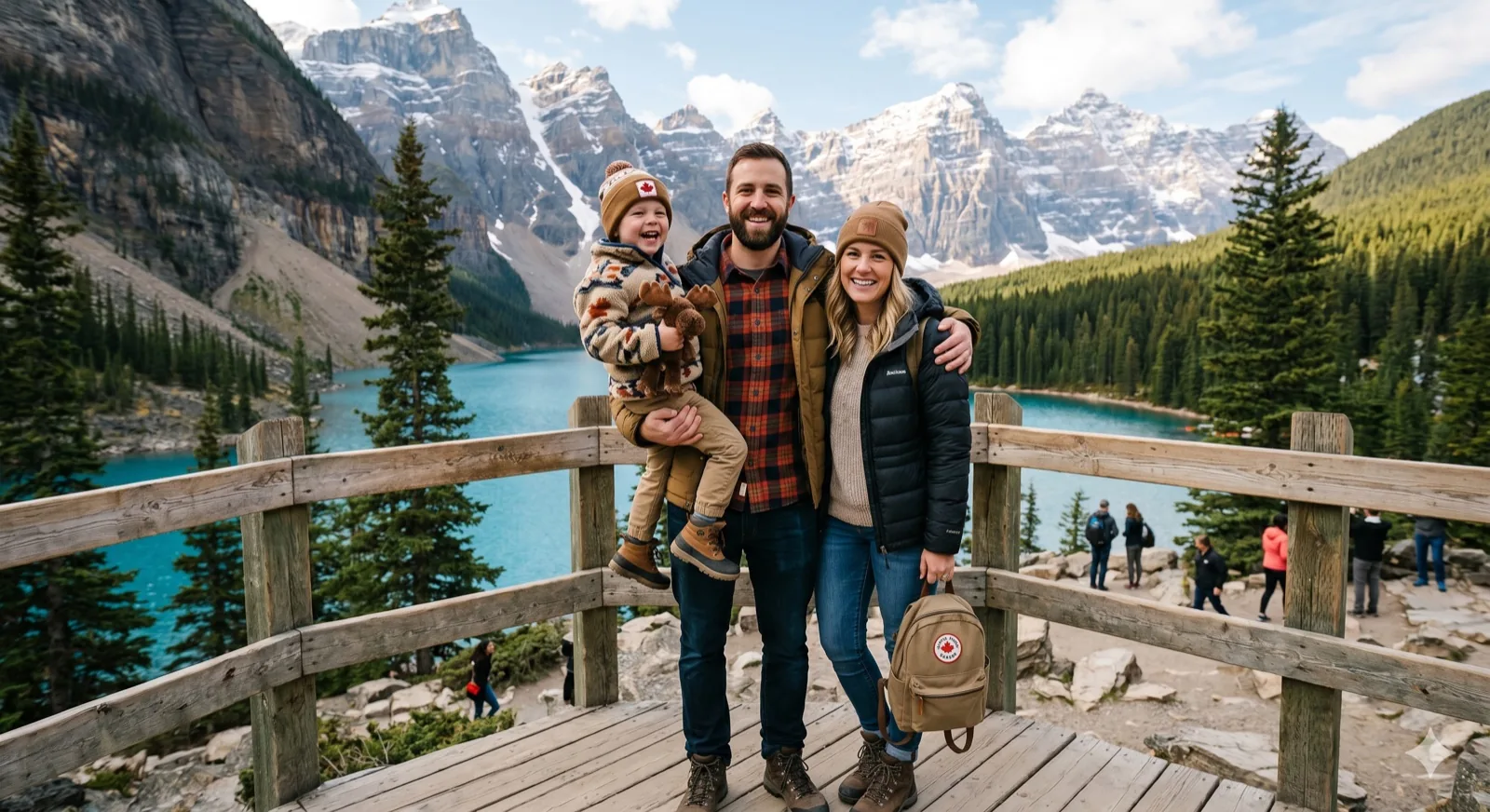
 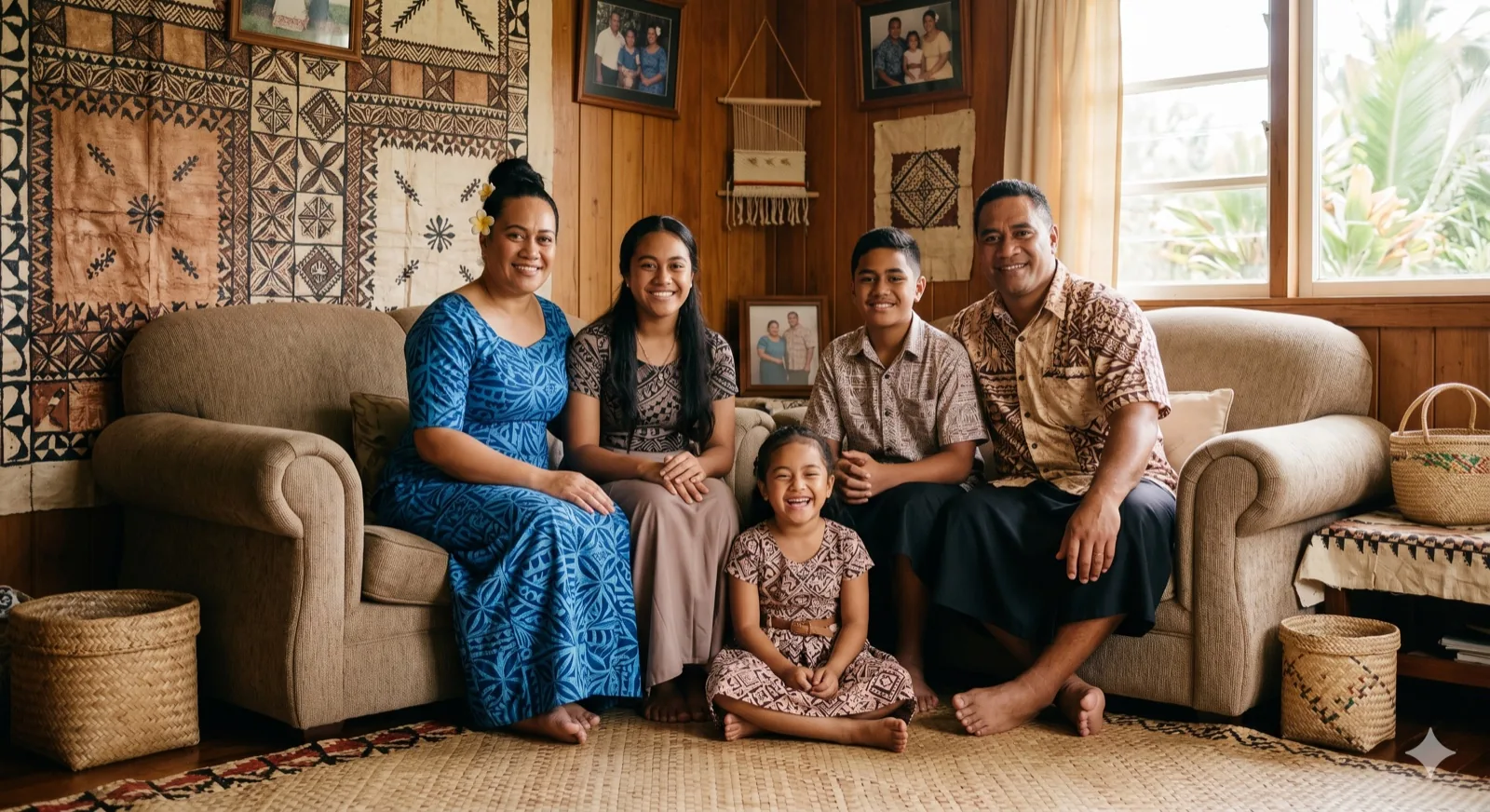 Add Missing Person Complete a family portrait when one family member was not there.
 Result Preview
Preview Your Family Photo
Natural family composition.. Upload photos, then generate one cohesive family photo.
Sources0
Frame3:4
Your preview will appear hereYour generated image will show in this panel.
Style
Realistic Family PhotoNatural family composition.Status
WaitingReady to create.Family photo tasks
Family photo tasks Kinpict solves
Kinpict handles the most common family photo jobs in one place: create a full family portrait from separate photos, repair older pictures, and make the final result feel warmer, cleaner, and more complete.
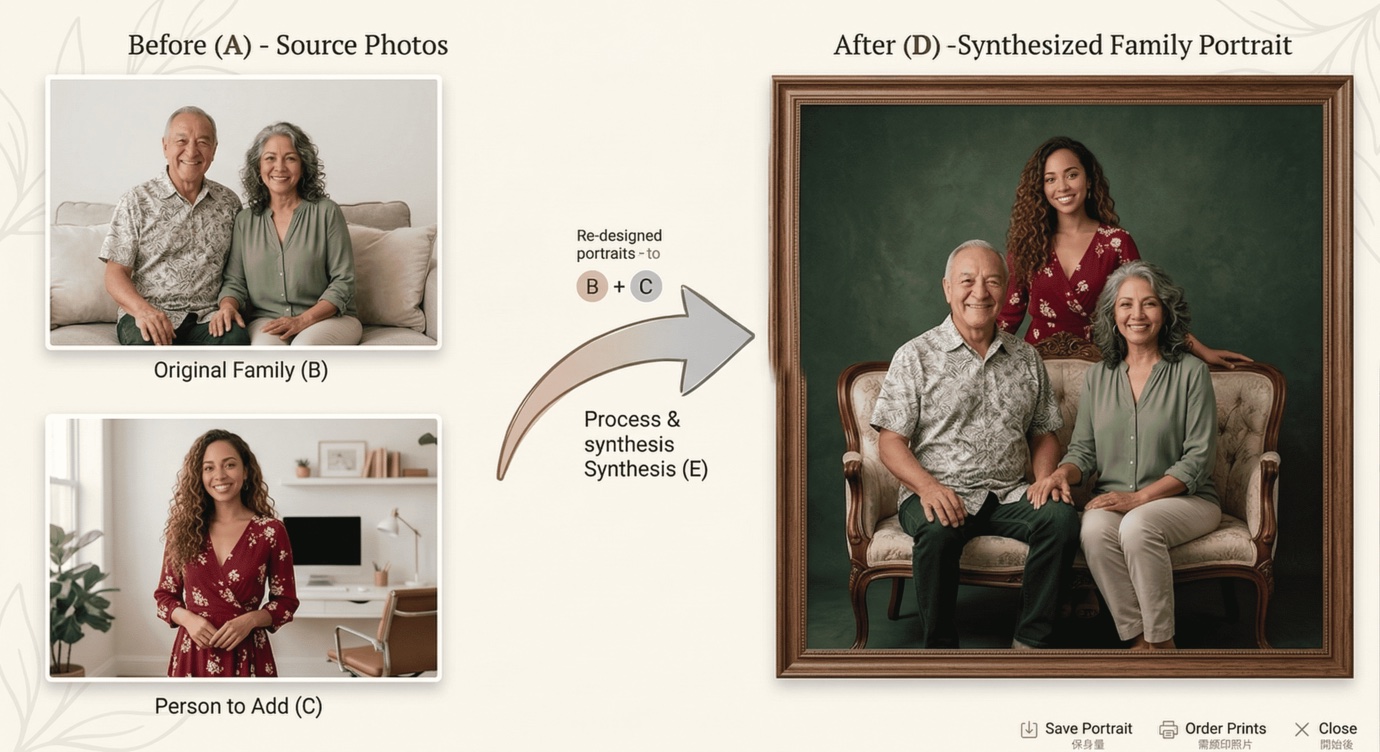
01 / Combine photos
Combine separate family photos
Use this when your family is spread across different pictures. Kinpict brings those photos together into one shared family portrait that feels natural and complete.
Combine separate photos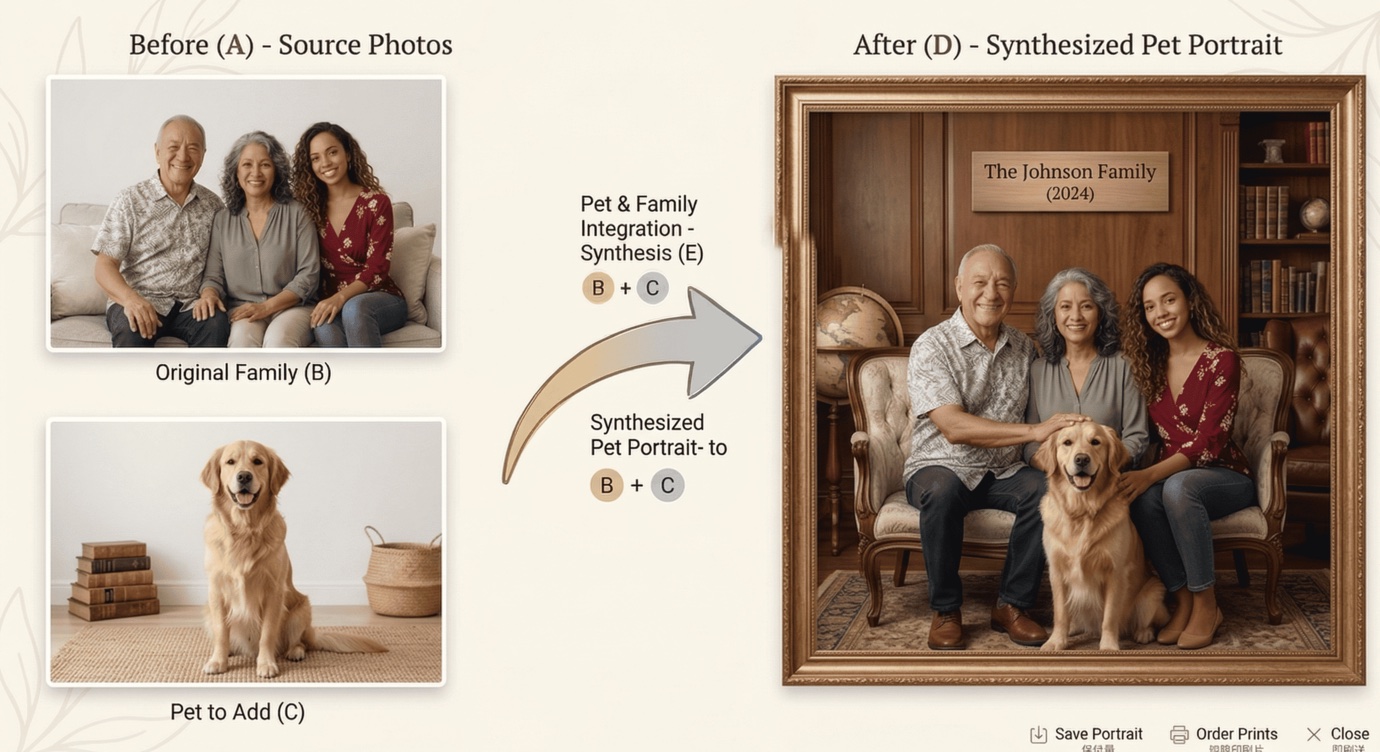
02 / Complete the family
Complete the family photo
Use this when the picture needs one more family member, a pet, or a cleaner final arrangement. Start from the home generator when you want the scene to feel complete.
Open family tool 03 / Repair and edit
Repair and edit old family photos
Use this when an older family photo needs cleanup, a warmer tone, or a more formal finish for sharing and printing.
Open Family Photo EditorAI Family Photo Generator: Create Realistic Family Photos from Separate Pictures
This AI Family Photo Generator helps families create one shared image when everyone appears in different photos. Instead of stitching layers by hand, you can create family photos from individual pictures through an AI guided process that focuses on natural arrangement, clear faces, and believable group composition.
It is designed for ordinary users who want a practical result, not a technical editing project. If you have parents in one city, kids in another, or grandparents who cannot travel easily, you can still build one family image that feels complete. Many users come here for a family photo from individual photos because real life rarely gives everyone the same schedule or location.
Works from individual photos
Start with single images taken in different places and at different times, then let the AI generator combine them into one consistent family scene.
Natural-looking family composition
The tool balances spacing, pose direction, and relative size so the final image feels like one real photo instead of a collage.
Helpful for long-distance families
Create shared family photos even when relatives live in different cities or countries and cannot gather at the same time.
Supports parents, kids, grandparents, and pets
Build family images across generations, with room for children, elders, and pets when they are part of the memory.
High-quality final image
Get a clear output you can download for digital sharing, family updates, and personal keepsakes without complicated editing steps.
Single or individual photos are a common starting point for modern families. People move for work, study abroad, care for relatives, or manage different routines across time zones. Important events still happen in the middle of all that: birthdays, reunions, anniversaries, and holidays. An intelligent AI family photo generator gives you a way to create a shared visual memory without waiting for the rare day when everyone can be physically present.
Photo quality matters, but you do not need studio-perfect files. Clear faces, natural lighting, and straightforward framing are usually enough for a good output. You get better results when each person is visible, not blocked by objects, and captured from a similar angle. If your originals are simple and readable, the final family composition has a much better chance to look coherent.
You can use this AI generator workflow for everyday family updates, memory projects, and portrait-style images. Some users create a calm portrait look, others prefer a relaxed group photo feel. The key point is consistency: one page, one clear purpose, and one realistic family result from distinct inputs using an AI generator. That focus keeps the process easier than generic AI tools that are built for unrelated image tasks.
How It Works
The flow is intentionally simple so families can move from disparate photos to one complete image without advanced editing steps, powered by our AI generator.
Step 1
Upload photos
Select individual photos of family members you want in the final image. Front-facing photos with clear lighting usually give the best starting point.
Step 2
Let AI combine them naturally
The AI generator aligns faces, body proportion, and scene balance to build one coherent family composition from distinct pictures.
Step 3
Download the final family photo
Review the result, make small adjustments if needed, and download a clean image ready for sharing, printing, or saving.
Why Families Choose Kinpict
Manual compositing can work, but it often takes hours, editing experience, and many revisions. You need to cut subjects carefully, match perspective, correct color balance, and fix edge artifacts. For most families, that is too much friction for a photo they simply want to share.
This AI generator reduces that workload by prioritizing family-specific composition. The focus is not generic AI image generation. The focus is bringing people together in one believable frame, with natural spacing and a clear final result that feels like a real family moment.
It is also a calmer way to collaborate with relatives. Everyone can send one photo, review one output, and agree on one image to use. That simple workflow is especially helpful when families coordinate across age groups and different levels of tech comfort.
Use Cases For Every Family
These scenarios support the same homepage intent: combining individual photos into one realistic family image with the AI generator.
AI generated family photos from distinct pictures
Let the AI generator combine individual photos when there is no single group picture available for family updates.
Adding a missing family member
Bring someone who was absent into the final image so the photo feels complete for memory keeping or sharing.
Holiday family portraits
Prepare warm seasonal family visuals when plans change and a full in-person shoot is hard to arrange.
Family photos with pets
Include dogs or cats as part of the family image when pet photos are distinct from the main group shots.
Frequently Asked Questions
Can I create an AI family photo from individual pictures?
Yes. This AI Family Photo Generator is built for that exact use case. You can upload distinct photos and let the AI combine them into one family image with consistent composition and a natural group look.
What photos work best?
Use clear photos with visible faces, balanced lighting, and medium distance framing. Avoid very blurry images or heavy filters. Simple backgrounds and natural expressions usually improve result quality.
Will the result look realistic?
The goal is realistic family photos, not artistic effects. Results depend on source quality, but with clear input images, the output can look natural enough for sharing and personal use.
Can I use it for family portraits?
Yes. Many users treat it like a practical AI family portrait generator when they need a clean, coordinated portrait but only have individual photos from different moments.
Can I include multiple generations or pets?
Yes. You can include grandparents, parents, children, and pets in one image as long as source photos are clear and each person or pet is visible enough for composition.
Is an AI generator easier than manual photo editing?
For most families, yes. Manual compositing often requires advanced editing tools, masking, and time. This AI workflow is simpler: upload photos, let the generator create a composed result, then download.
Bring everyone together in one family photo, even when life keeps everyone apart.
Let the AI Family Photo Generator combine your individual pictures into a clear, realistic result you can share with your family today.
Create Your Family Photo