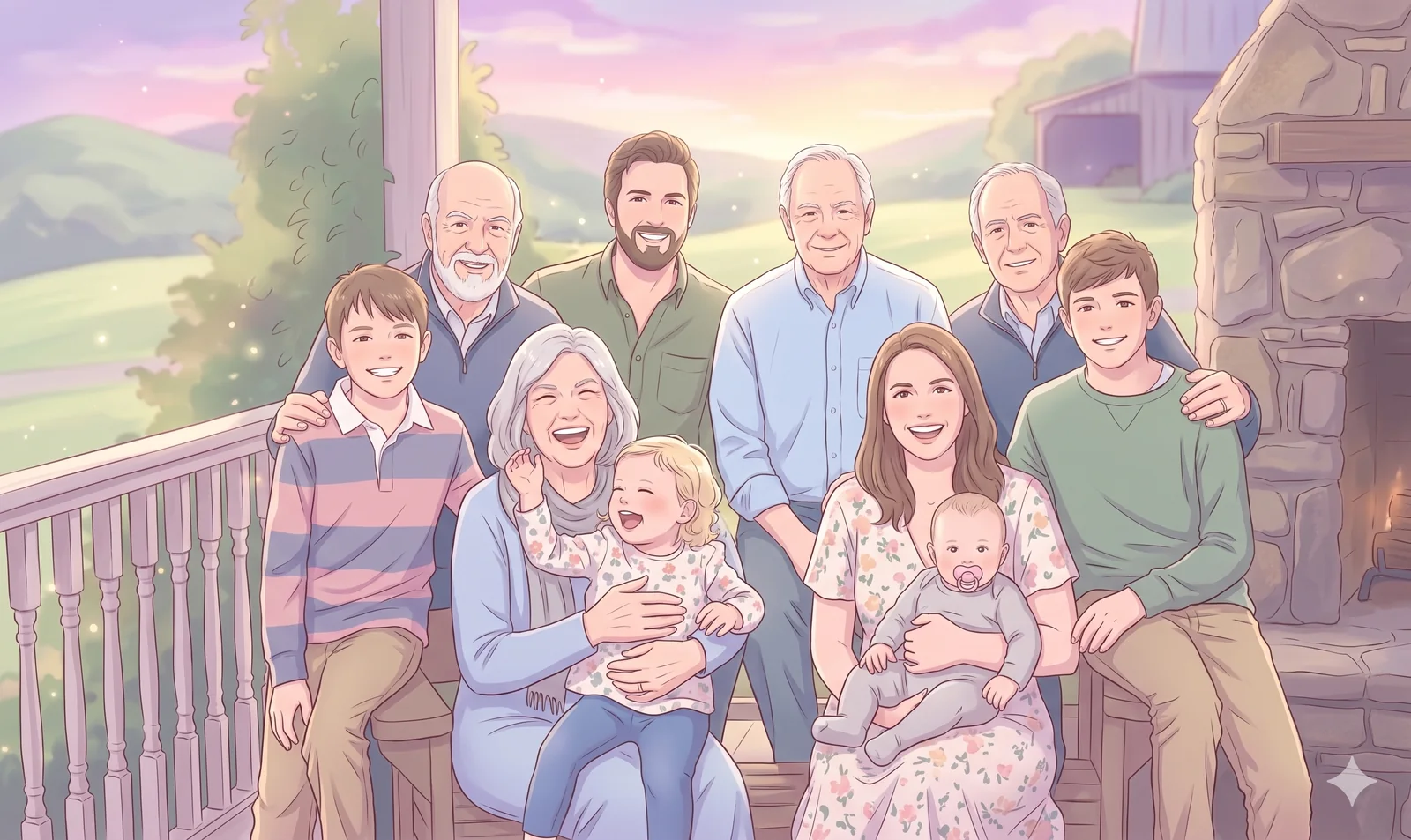
 Dreamy Storybook Anime
 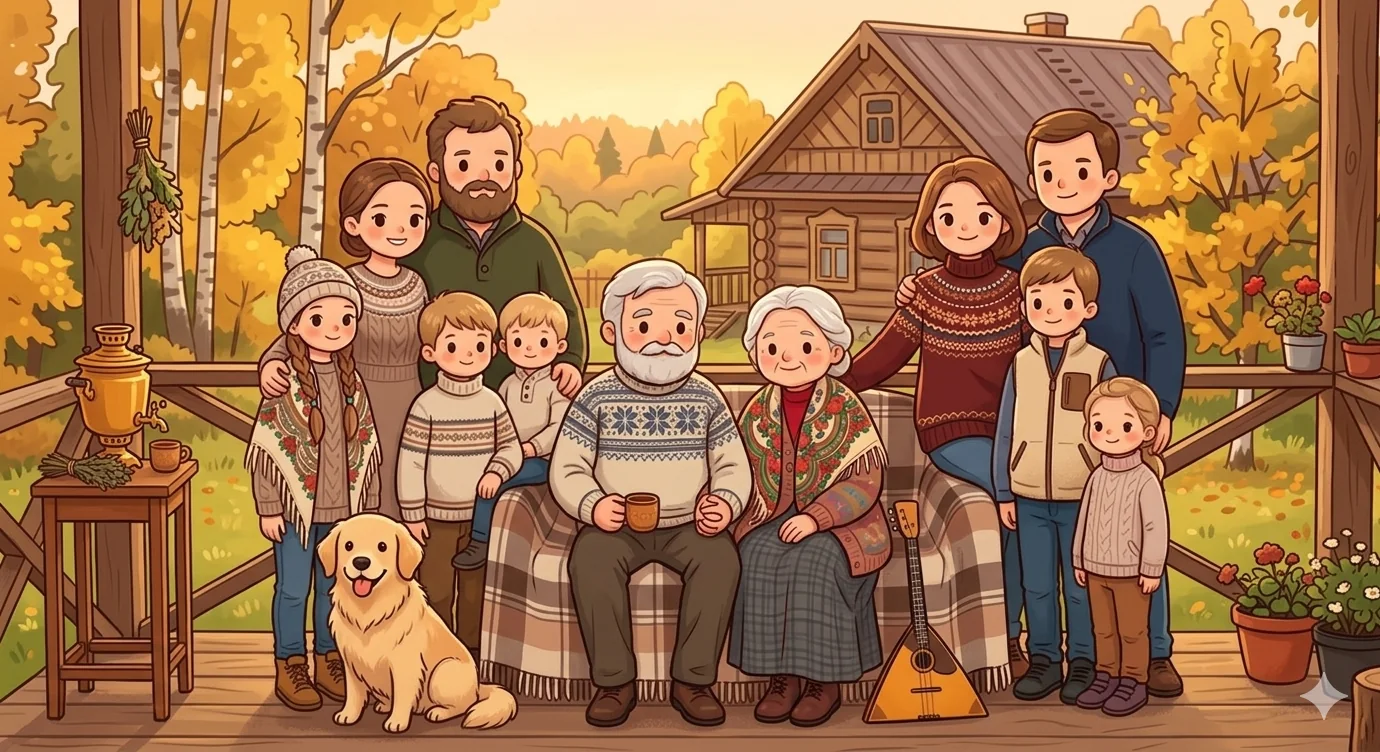 Kawaii Chibi
 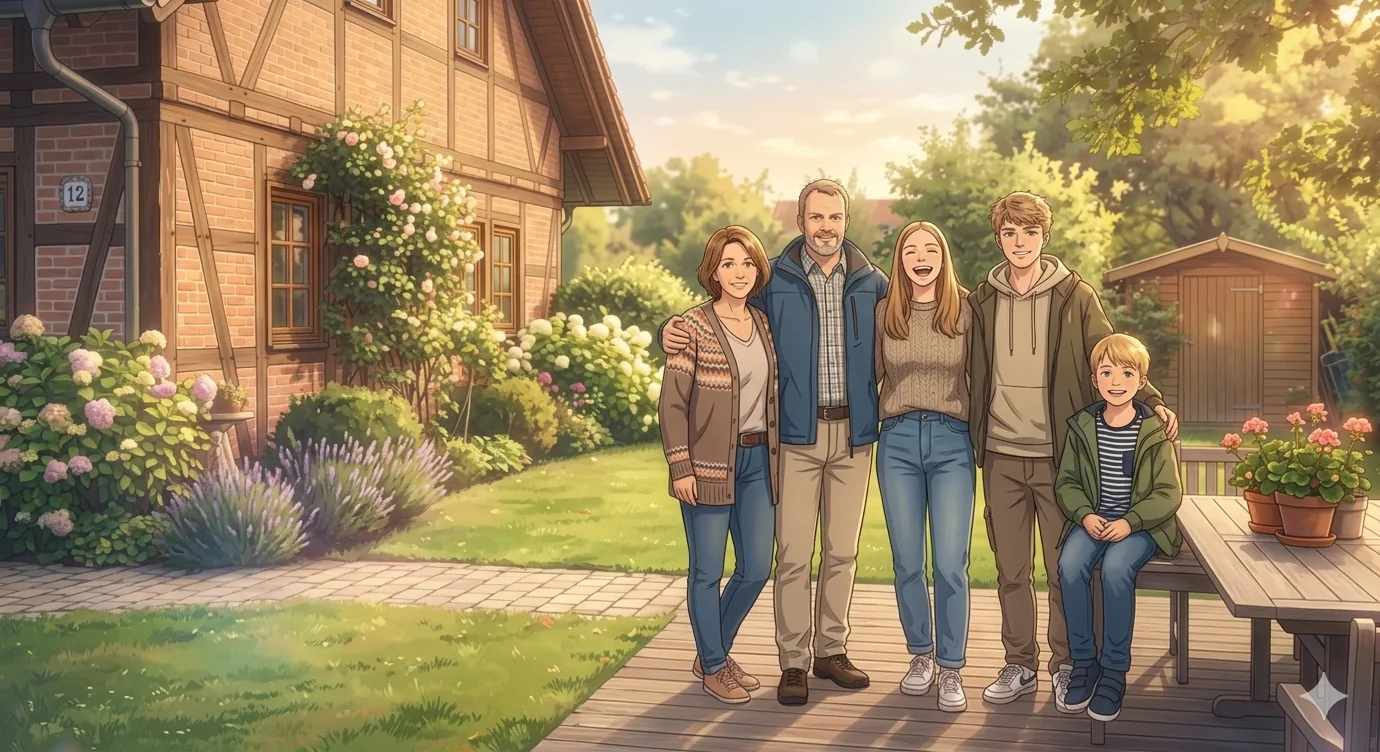 Slice-of-Life Anime
 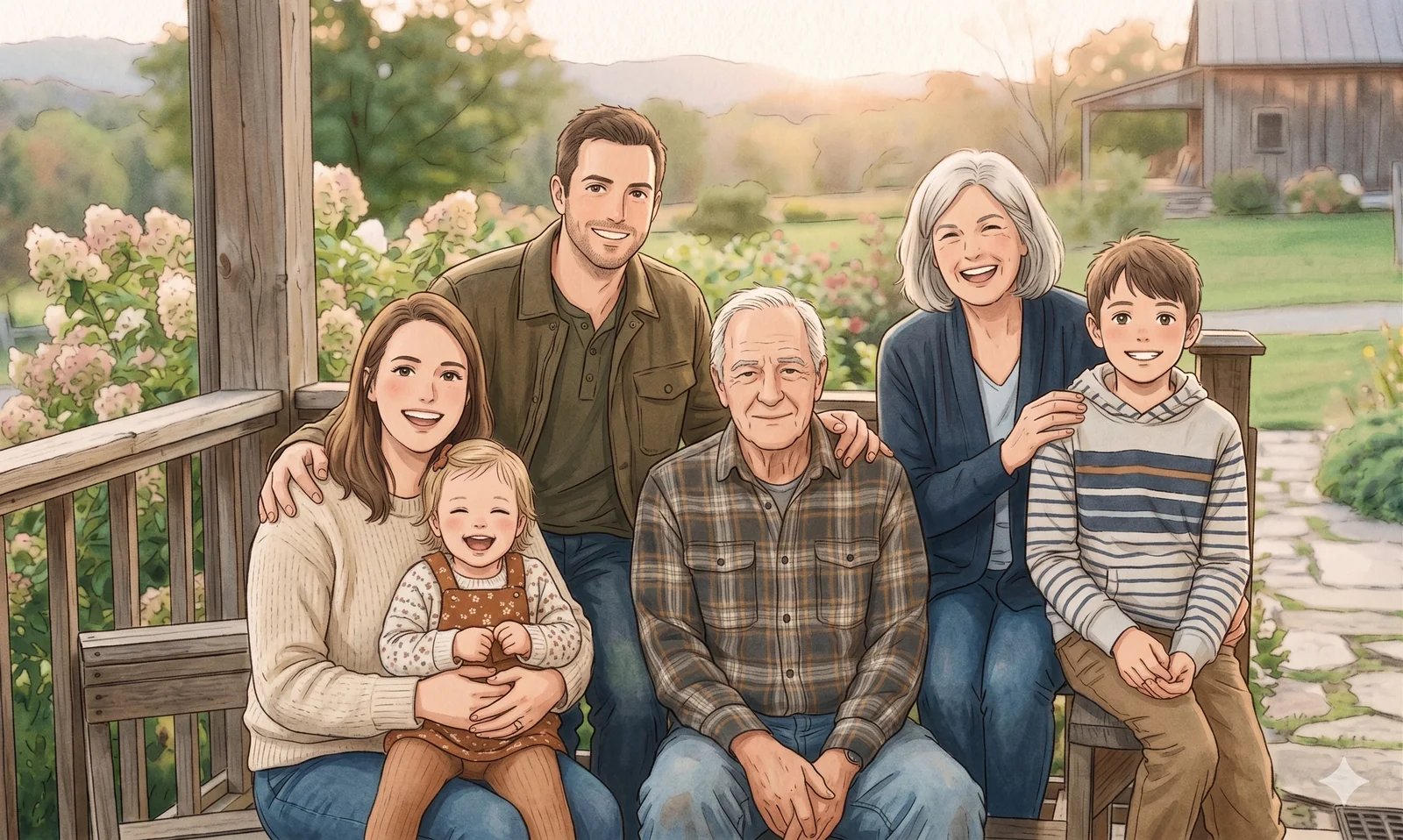 Webtoon
 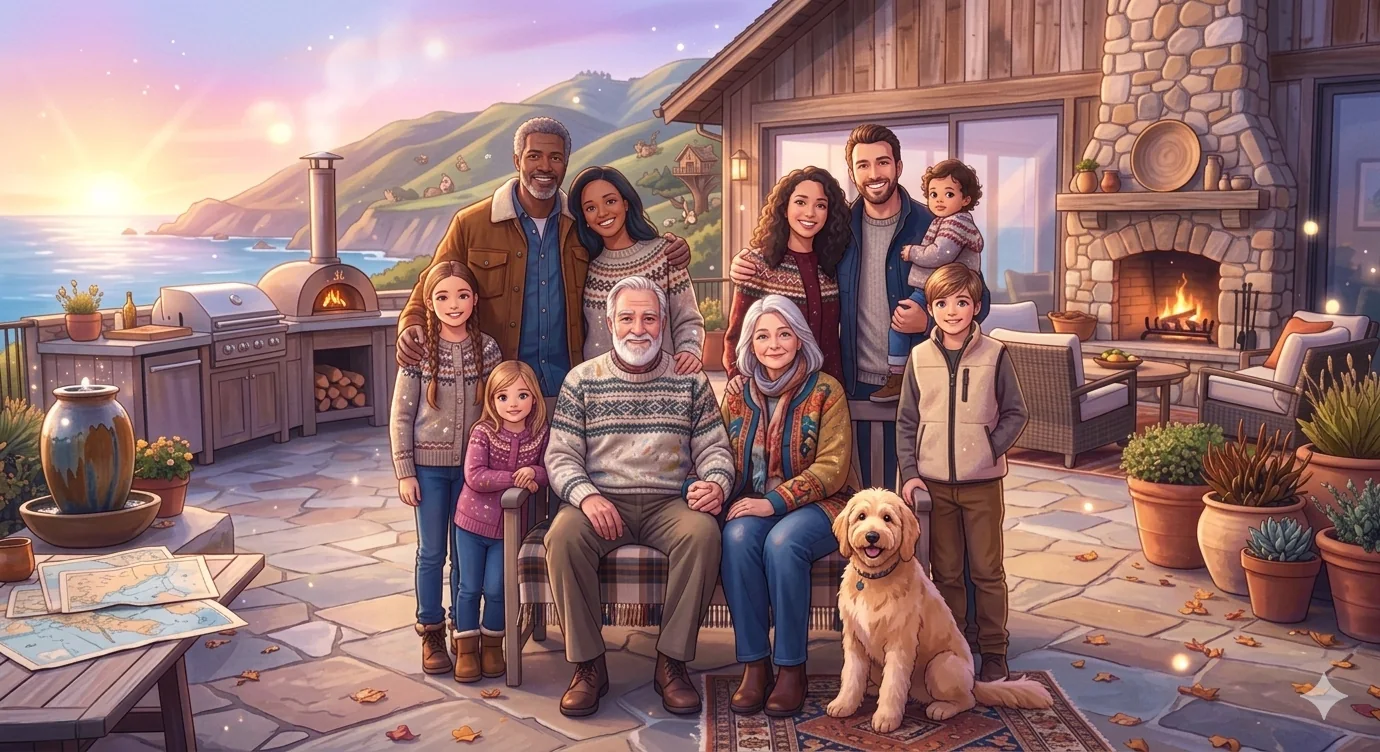 Ocean Sunset
 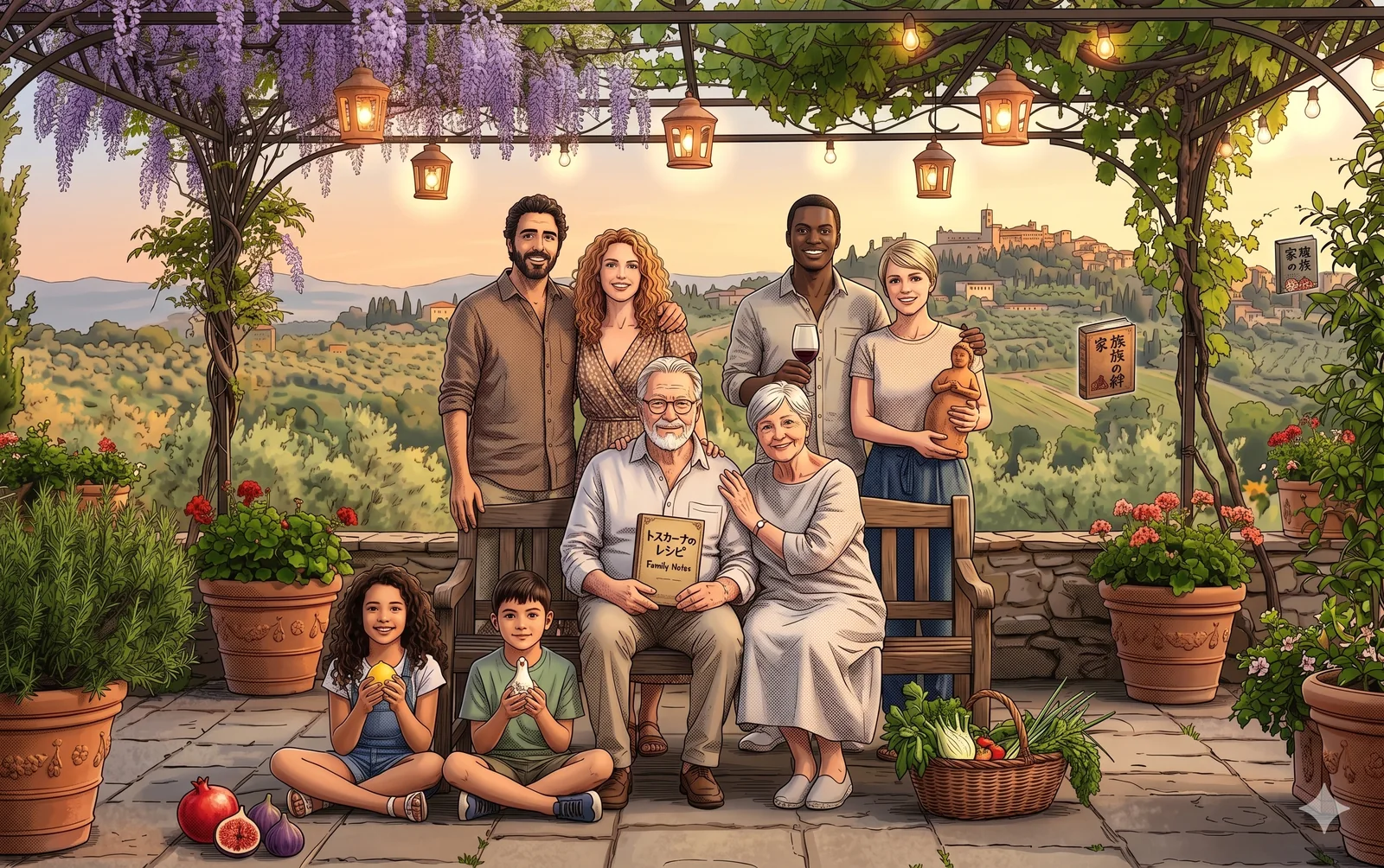 Tuscan Patio
 Generation Quality
StandardFast with balanced detailAnime family art from real photos
Family Photo Anime Generator
Turn one family picture or several separate portraits into an anime family portrait that still feels recognizably yours. Guide the mood, linework, and color toward Dreamy Storybook Anime, Kawaii Chibi, Slice-of-Life Anime, or Webtoon.
Useful for keepsakes, holiday cards, profile art, reunion portraits, cozy anime family scenes, and softer illustrated family gifts.
Family Photo Anime Styles
Anime family portrait tool
Create a Family Photo Anime Portrait From Your Photos
Upload one family photo or several separate portraits, then choose a style like Dreamy Storybook Anime, Kawaii Chibi, Slice-of-Life Anime, or Webtoon and steer the result with a short anime prompt.
Dreamy Storybook Kawaii Chibi Slice-of-Life Webtoon
Anime Result Preview
Preview Your Anime Family Portrait
Soft glow, pastel warmth, and a keepsake finish.. Upload photos, then generate one anime family portrait.
Sources0
Frame3:4
Your preview will appear hereYour generated image will show in this panel.
Anime Style
Dreamy Storybook AnimeSoft glow, pastel warmth, and a keepsake finish.Status
WaitingReady to create.Family Photo Anime Styles
Choose a Family Photo Anime Style
A family photo anime generator works best when you know the feeling you want. These four style directions - Dreamy Storybook Anime, Kawaii Chibi, Slice-of-Life Anime, and Webtoon - are a strong starting point for family keepsakes, profile art, and reunion portraits.
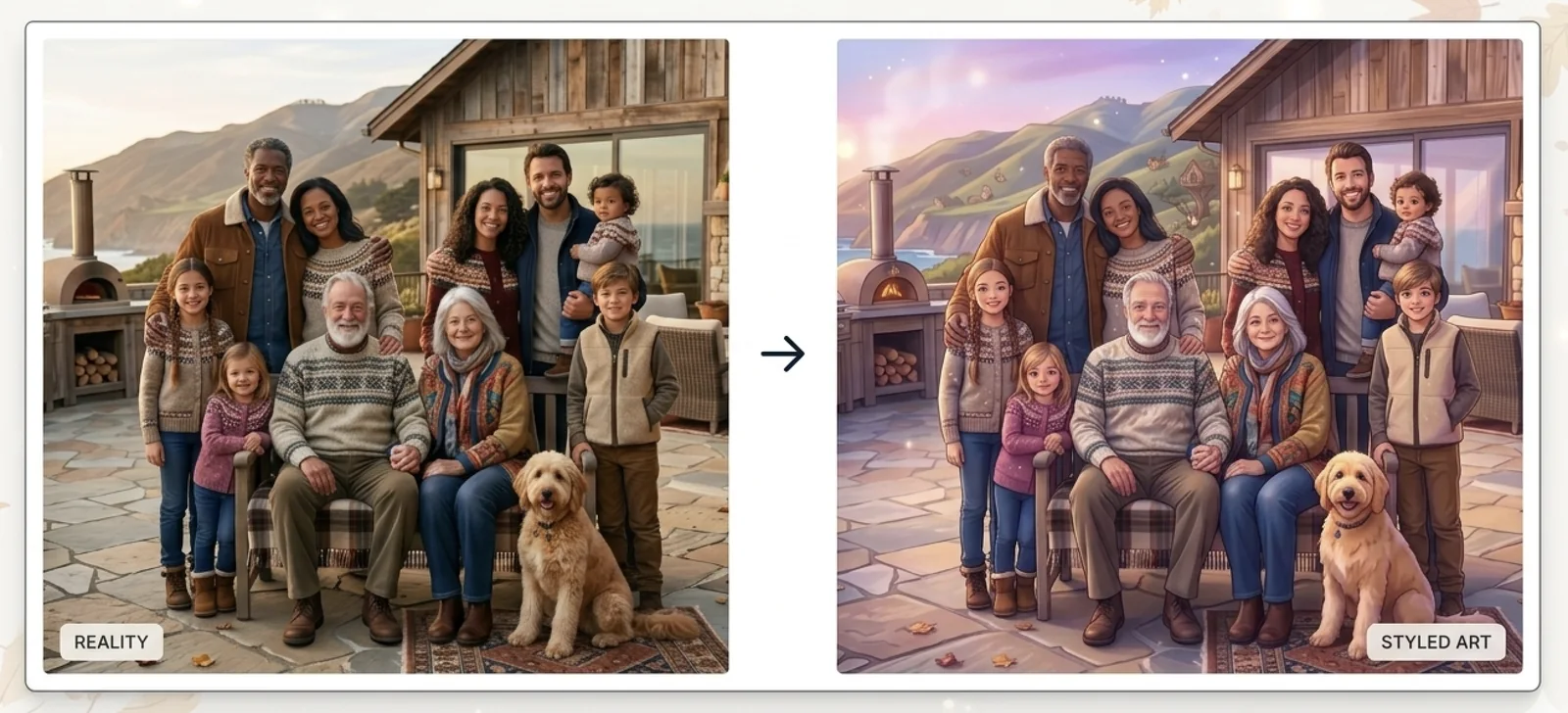
01 / Dreamy Storybook Anime
Dreamy Storybook Anime
Use this look when you want soft glow, pastel warmth, and a keepsake illustration that still feels calm, polished, and family-first.
Try this look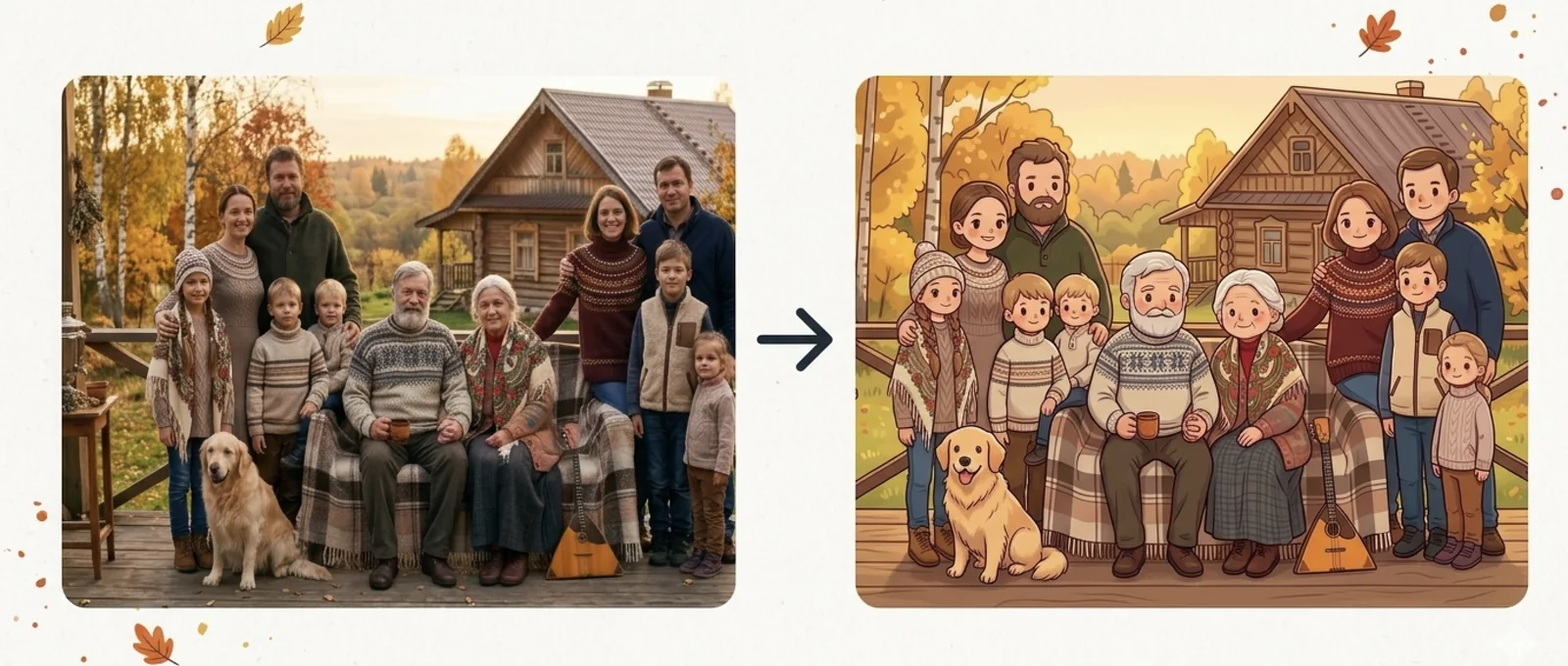
02 / Kawaii Chibi
Kawaii Chibi
Choose this for cute proportions, rounder features, and a playful anime family portrait that feels charming without losing identity.
Try this look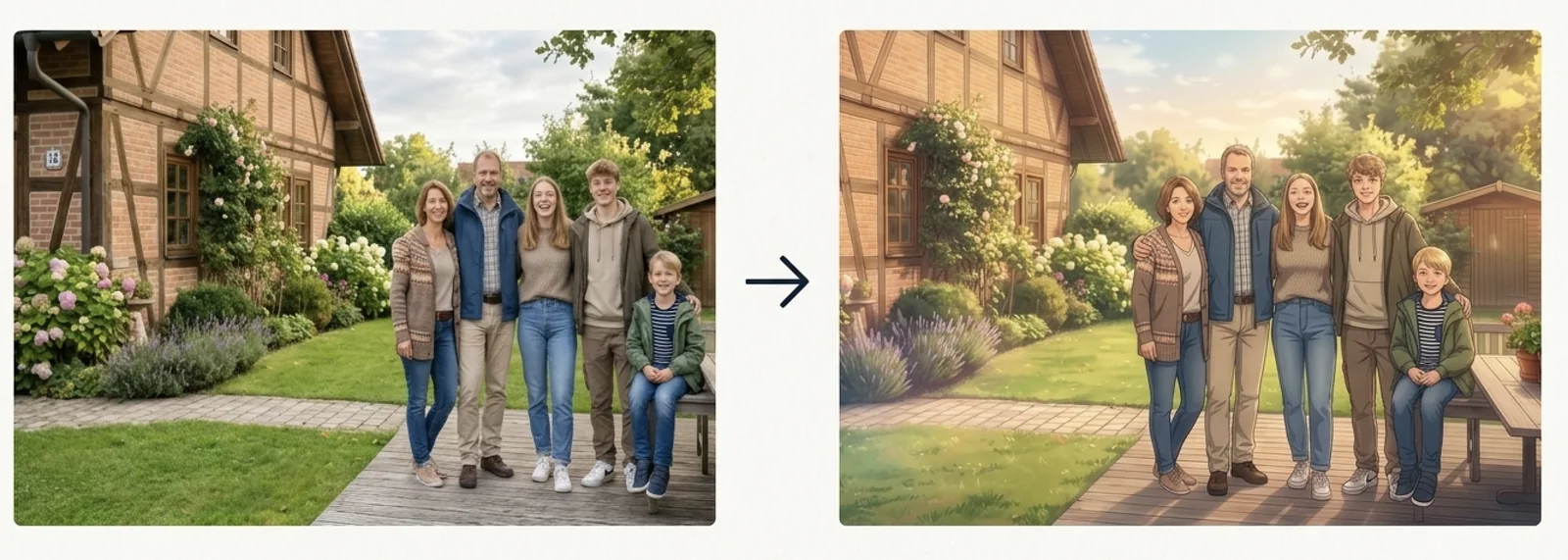
03 / Slice-of-Life Anime
Slice-of-Life Anime
Go with this when you want natural anime proportions, everyday warmth, and a cozy domestic scene that feels lived-in and real.
Try this look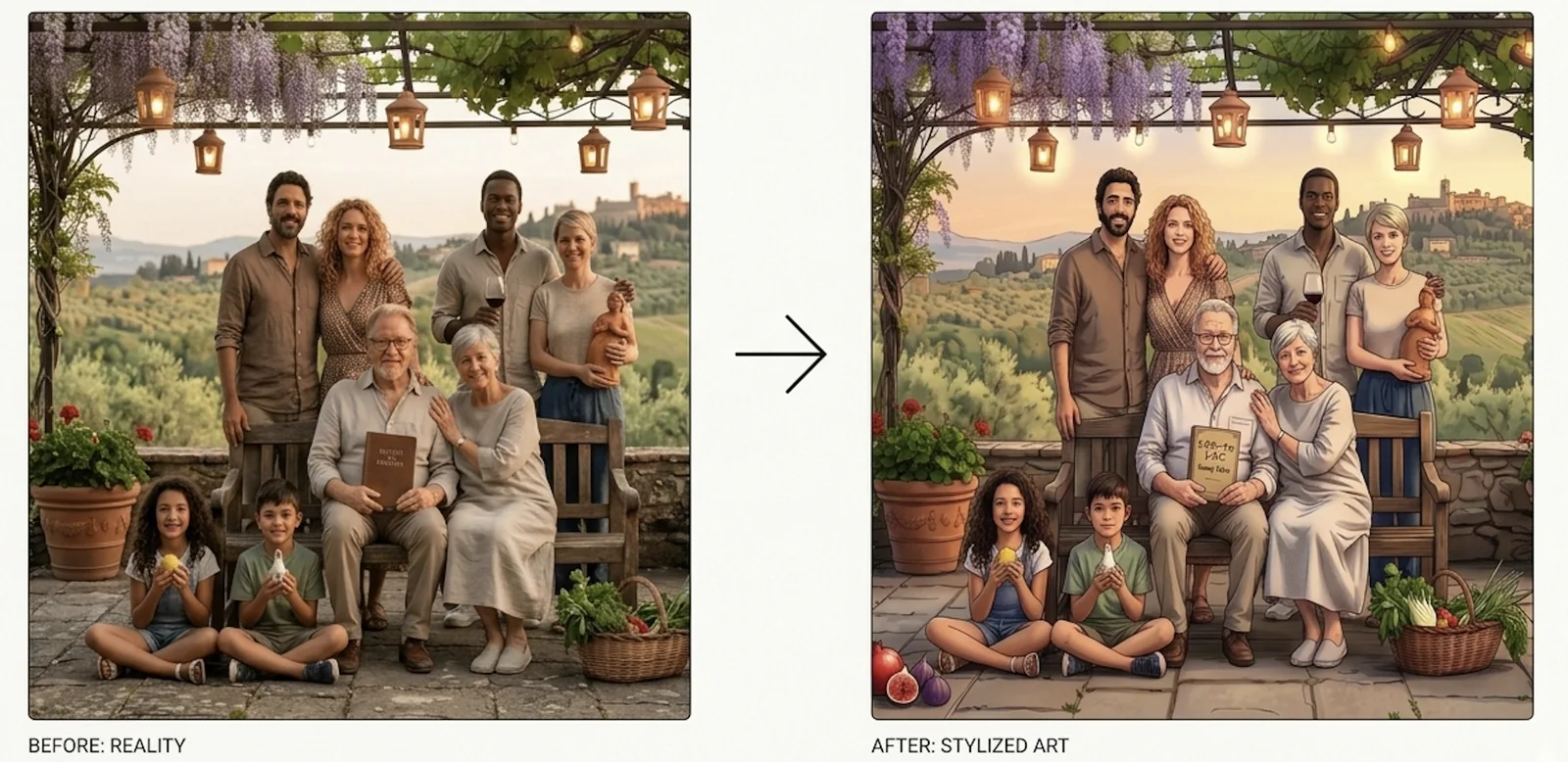
04 / Webtoon
Webtoon
Use this for crisp modern linework, expressive faces, and a polished comic finish that feels clean and contemporary.
Try this lookFamily Photo Anime Results
A family photo anime generator is most useful when you want something warmer and more expressive than a standard photo edit. Instead of leaving the result completely random, you can start from real family photos and guide the final portrait toward a clear anime mood.
It works for one clear group photo, but it is also helpful when your family images are separate. Parents, children, grandparents, or relatives can come from different source photos and still become one anime family portrait with a more consistent look.
The goal is not just an anime look. The goal is an anime family portrait that still feels like your family, keeps the right relationships, and feels good enough to save, print, or share.
Real Family Photos In, Anime Portraits Out
Start with real family photos and turn them into anime portraits that still feel tied to your family, not random characters.
One Photo Or A Full Set Of Photos
Use one group photo or upload separate portraits when parents, children, grandparents, or relatives were photographed separately.
Better For Keepsakes Than Generic Filters
Guide the final look with prompt notes for mood, color, and background instead of relying on a one-click anime filter.
Flexible For Pets, Missing Members, And Reunions
Use the same family photo anime generator for pet-friendly portraits, fuller reunion scenes, and family keepsakes made from separate photos.
Best Uses for a Family Photo Anime Generator
People usually use a family photo anime generator when they want a family portrait that feels more charming, softer, or more gift-ready than the original photos.
Holiday Cards And Gifts
Create an anime family portrait for holiday cards, framed gifts, memory books, or a keepsake print that feels more personal than a standard edit.
Profile And Cover Art
Use the result for family profile pictures, private group covers, banners, and social sharing where a softer illustrated look feels right.
Separate Photos Turned Into One Portrait
Bring together separate portraits when relatives live far apart, were photographed at different times, or could not be in one original group photo.
Anime Family Portraits With Pets
Keep the dog or cat naturally inside the family composition when the pet is part of the story and belongs in the final portrait.
How to Create a Family Photo Anime Portrait
The workflow is simple: upload family photos, guide the look, and generate one anime family portrait without a long editing process.
Step 1
Upload One Or More Family Photos
Start with a group photo or a set of separate family portraits. Clear faces, simple framing, and visible expressions give the generator a better starting point.
Step 2
Choose The Anime Mood You Want
Pick Dreamy Storybook Anime, Kawaii Chibi, Slice-of-Life Anime, or Webtoon, then guide the result with short notes about color, linework, mood, or lighting.
Step 3
Generate And Save The Portrait
Generate the portrait, review the final family mood, and save it for sharing, printing, profile use, or private keepsakes.
Tips for Better Family Photo Anime Results
A few small choices make a big difference when you use a family photo anime generator, especially if you are combining separate family photos or anime family references into one result.
Use Clear Faces
Family members should be easy to recognize in the source photos so the anime portrait keeps the right identity cues.
Keep Prompts Short
A short note like "Dreamy Storybook Anime with soft glow and pastel tones" or "Webtoon with crisp linework" usually works better than a long paragraph.
Match Photo Angles When Possible
If you upload separate family photos, similar camera angles and similar lighting often lead to a more natural anime family composition.
Name The Mood, Not Every Detail
Describe the feeling you want, such as calm, bright, nostalgic, cozy, or playful, and let the model handle the rest.
If you want a stronger result, start with the clearest family photo you have and keep your first prompt simple. Once the mood feels right, you can refine the portrait with a second try using more specific notes for Dreamy Storybook Anime, Kawaii Chibi, Slice-of-Life Anime, or Webtoon.
That is usually the easiest way to get an anime family portrait that feels balanced instead of overdescribed or visually noisy.
Family Photo Anime Generator FAQ
Can I use the family photo anime generator with one photo?
Yes. You can start with one clear family photo or upload multiple images if you want more control over the final anime family composition.
Can I upload separate photos instead of one group photo?
Yes. You can upload separate photos and still create one anime family portrait, which is useful when family members were photographed at different times or in different places.
Will the result still look like my family?
That is the goal. Clear source photos help the model keep recognizable family details while still applying the anime look.
What anime styles can I create with this family photo anime generator?
You can guide the result toward Dreamy Storybook Anime, Kawaii Chibi, Slice-of-Life Anime, or Webtoon, depending on whether you want a softer, cuter, more natural, or more comic-like finish.
Can I use the result for gifts or printing?
Yes. Many people use anime family portraits for keepsakes, private sharing, gift designs, and framed personal images.
What kind of prompt works best?
Short, practical instructions work best. Mention the style you want and one or two details, such as "Dreamy Storybook Anime, soft glow, pastel palette" or "Kawaii Chibi, bright colors, playful mood."
Turn family photos into anime portraits fast.
Start with one family photo or a full set of separate portraits, choose the anime mood you want, and create a keepsake that feels ready to save or share.
Create Your Anime Family Portrait