Generation Quality
StandardFast with balanced detailMost common family workflow
Family Photo from Separate Photos
Family Photo from Separate Photos helps you combine individual family pictures into one natural portrait. Start with photos taken at different times and create one complete image that brings everyone together.
Create My Family PhotoFrom separate photos to one complete family picture with a calmer, more natural final look.
AI COMPOSITION PREVIEW
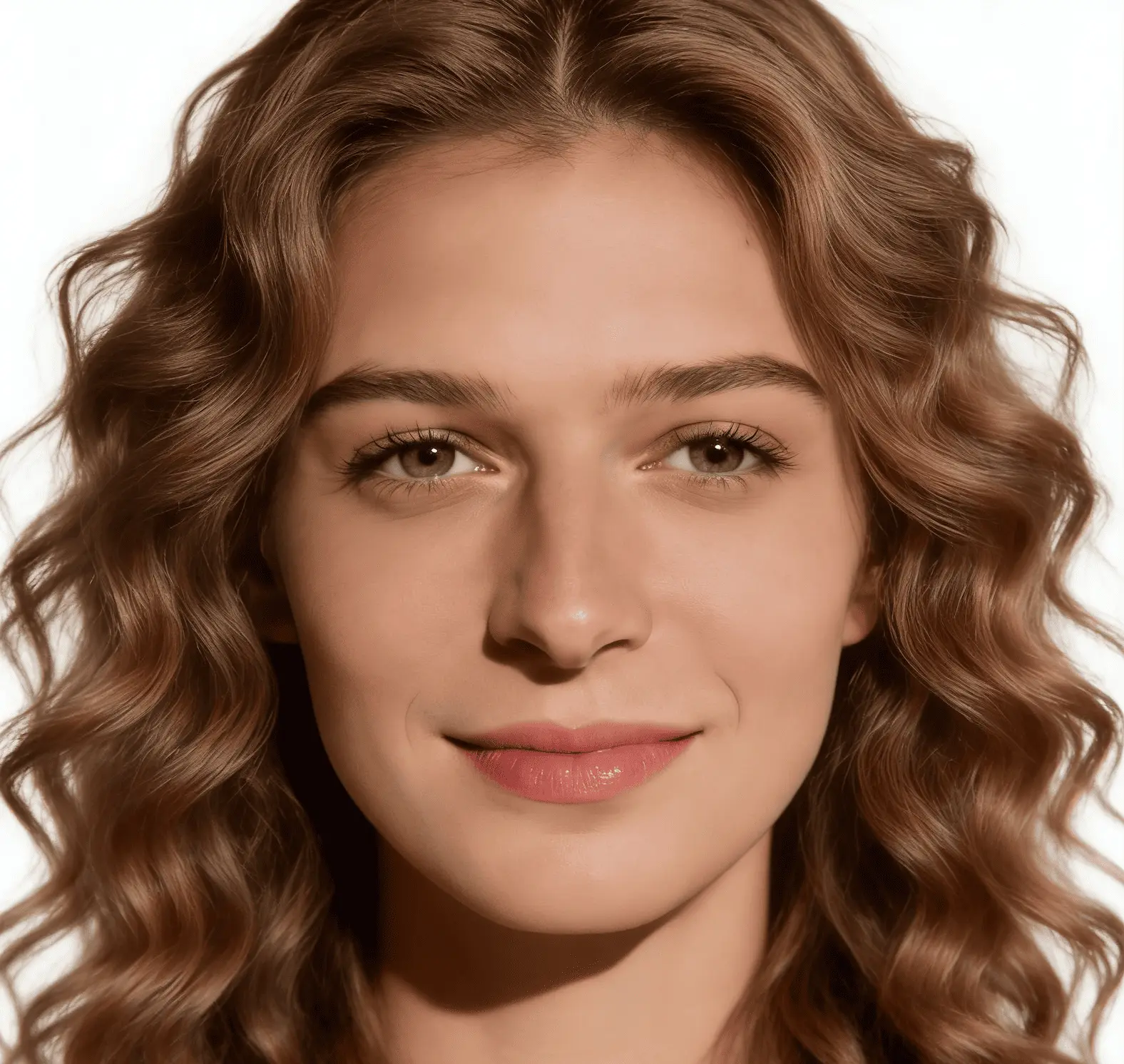

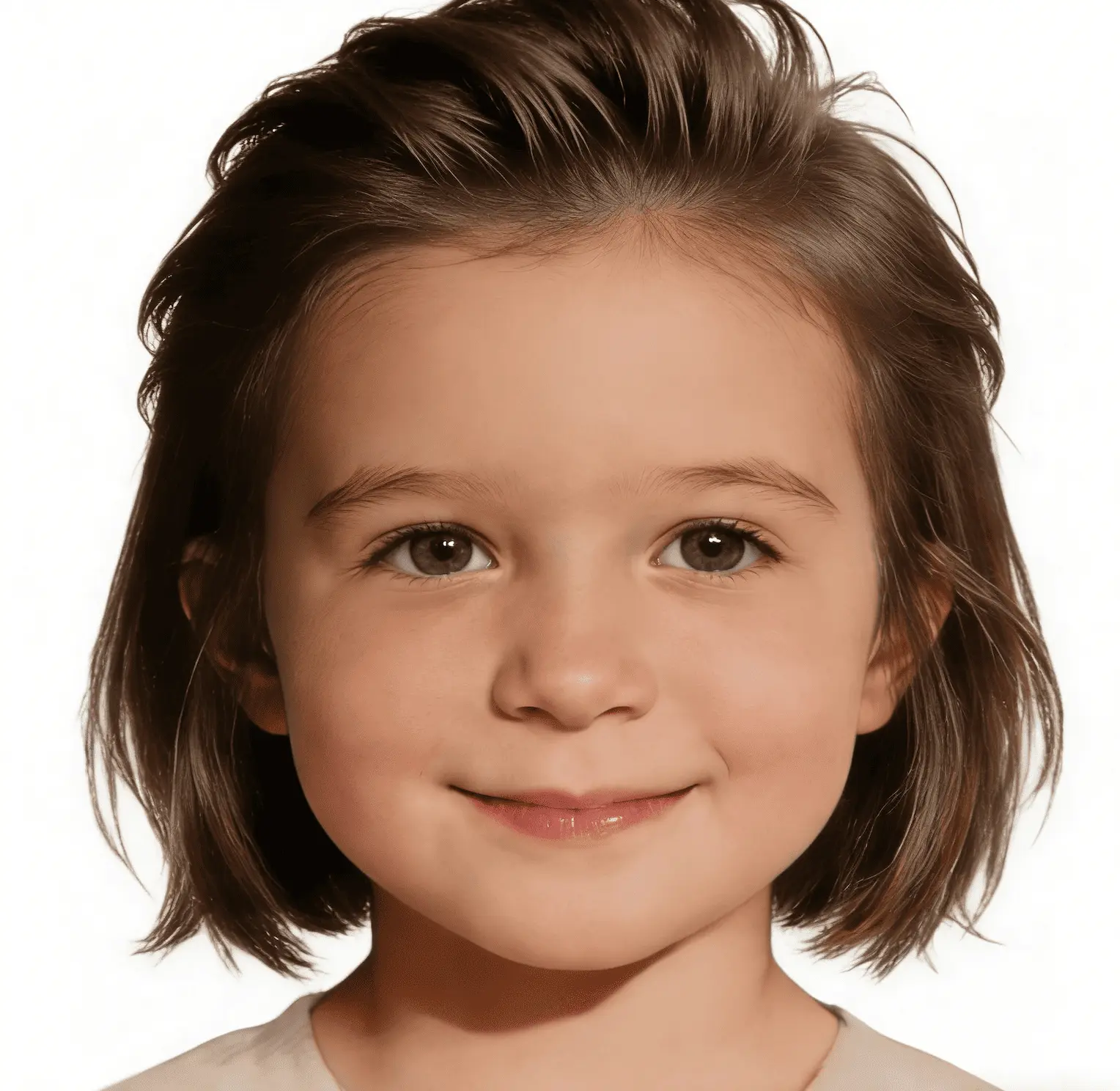
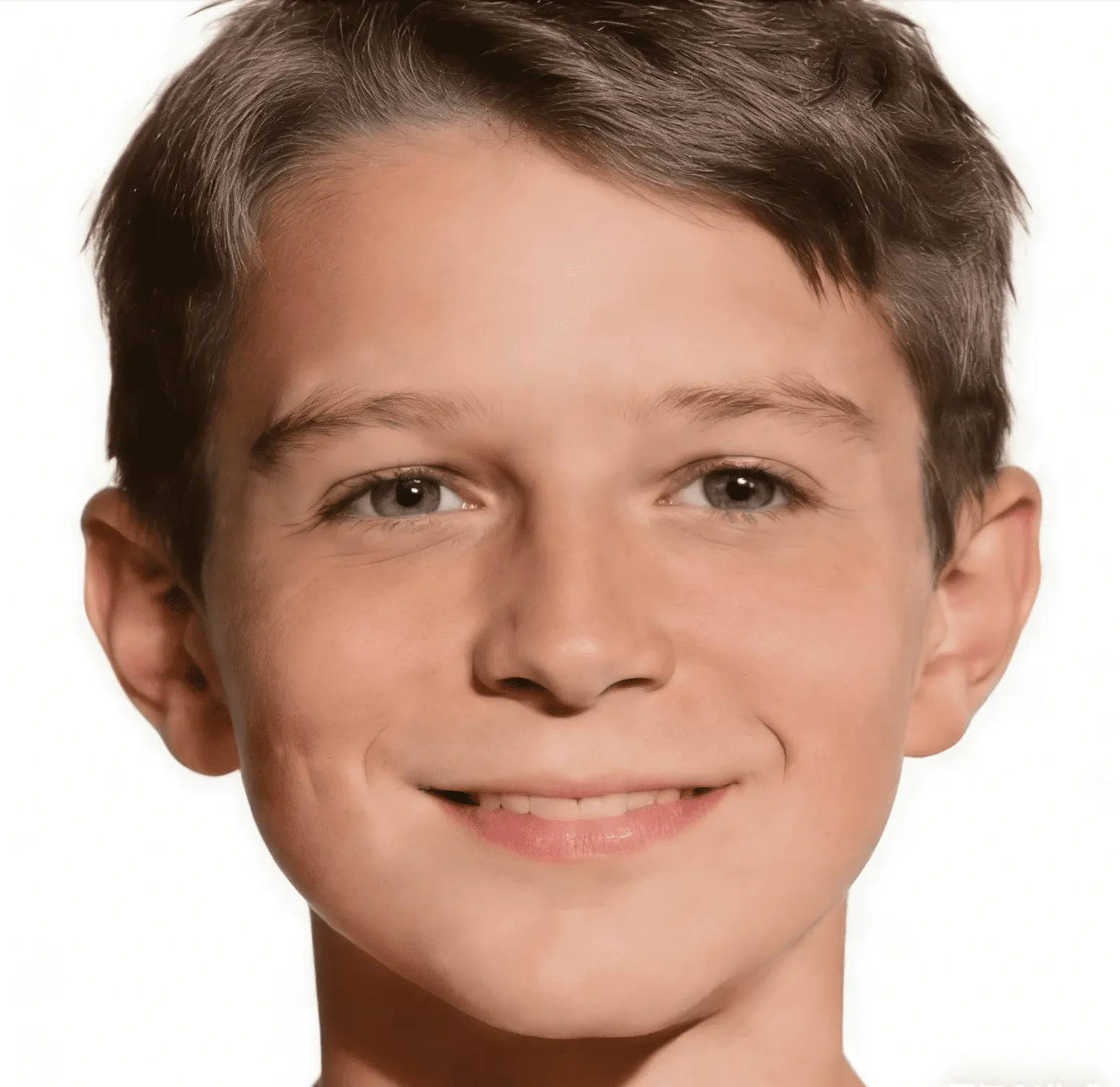
AI Processing
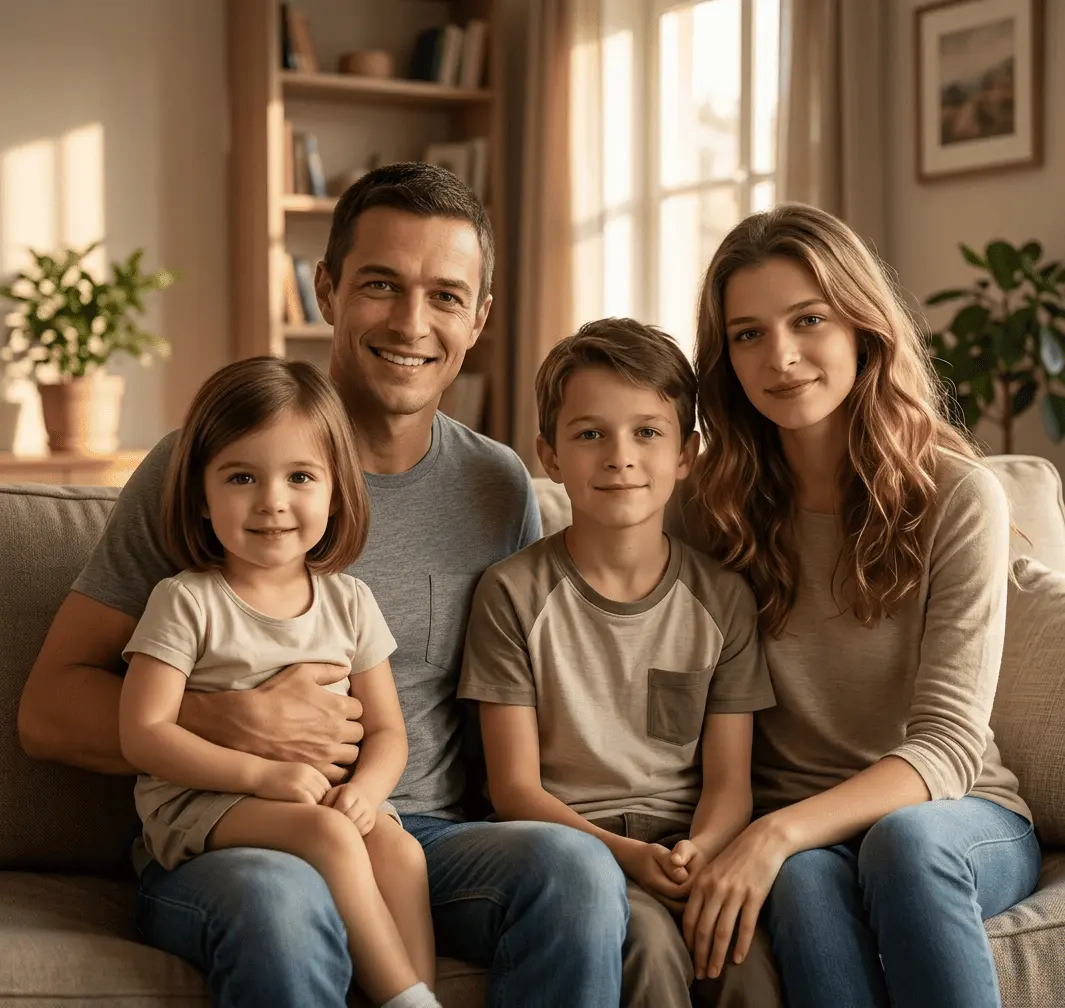
Realistic Family Result
Combine Separate Family Pictures
This section keeps the original upload and generation behavior, including login checks and credits updates, while serving the separate-photos family use case.
Merge separate photos of relatives who couldn't be there into a single family image.
Result Preview
Preview Your Family Photo
Natural family composition.. Upload photos, then generate one cohesive family photo.
Sources0
Frame3:4
Your preview will appear hereYour generated image will show in this panel.
Style
Realistic Family PhotoNatural family composition.Status
WaitingReady to create.The tool keeps the original upload, login, and credits flow.
Create One Complete Family Photo from Separate Pictures
Family Photo from Separate Photos means taking individual portraits that were never captured together and turning them into one shared family image. People use this when they want to create family photo from separate pictures without forcing everyone to be in the same location on the same day. The goal is practical: one complete family photo that feels unified, clear, and meaningful enough to keep.
This need is common for real families. Some relatives live far away, some work on different schedules, and some photos come from older albums. Often, family members are in different pictures because life is spread across school calendars, travel plans, and distance. It is normal to collect photos from different phones and different years, then realize you still want one portrait that includes everyone. That is exactly where combine family photos into one becomes useful.
Users on this page are usually not looking for artistic effects. They want to merge family photos into one portrait that looks natural, not a hard-edged collage. They may have a parent photo from one trip, child photos from another day, and grandparent photos sent from another city. With the right input photos, it is possible to create a family picture from multiple photos and keep the final result visually coherent.
Parents and Kids in Different Photos
Turn separate parent and child pictures into one shared family image when daily schedules make a same-day photo difficult.
Multi-Generation Family Pictures
Combine photos of grandparents, parents, and children into one portrait that reflects the whole family in a single frame.
Photos Taken in Different Places
Create a family portrait from individual photos captured in different cities, homes, or travel moments.
A More Natural Alternative to Collage
Bring scattered family photos into one natural image with better spacing and visual flow than a manual side-by-side collage.
How It Works
The process is straightforward and built for regular users. You do not need design software or manual masking to produce a complete family portrait from individual photos.
Step 1
Upload separate family photos
Add the individual photos you want to include, even if they come from different devices or different dates.
Step 2
Let AI combine faces and composition naturally
The tool arranges people with balanced scale and placement so the image reads as one family scene.
Step 3
Review the family image
Check the combined preview and confirm that everyone appears clearly in a natural family layout.
Step 4
Download the final result
Save your completed family portrait for sharing, printing, or storing as a long-term family memory.
Ready to bring separate photos into one natural family image?
Combine My Photos NowWhy Families Use This Tool
A More Natural Alternative to Collage
A manual collage can place images side by side, but it usually does not create the feeling of one real family portrait. This workflow is designed to produce more natural composition, better relative spacing, and stronger visual harmony across different faces. Instead of looking like separate blocks on one canvas, the result aims to feel like one scene where people belong together.
It is also easier for non-design users. Manual editing often means background cleanup, layer alignment, and repeated resizing. For families who just want a realistic family portrait, that work is heavy and time consuming. Here, the practical value is clear: start with photos you already have and move toward one complete family photo without an advanced editing workflow.
What You Can Build from Separate Source Images
This page is focused on one scenario: family photo from different pictures collected across time and devices. You can combine photos of parents, children, and grandparents, or build a family portrait from separate selfies when those are the only inputs available. You can also create family photo from separate pictures taken indoors and outdoors as long as faces remain clear. The expected output is a balanced, shareable portrait that is more useful than a basic collage for family memory keeping.
That is why people search for terms like family photo generator from separate images. They do not need a broad tool directory. They need one focused page that solves this exact job: convert separate photos into one connected family image.
Tips for Better Results
Good source photos increase your success rate. These guidelines are simple, but they make a visible difference in the final portrait quality.
- Use photos with clear faces so each person is easy to place and recognize in the final family image.
- Choose photos with similar lighting when possible to improve visual consistency across family members.
- Front-facing or slightly angled portraits are usually easier to blend than extreme side angles.
- Use source images with enough resolution so details stay clear in the completed family portrait.
- Avoid heavy blur and extreme crops that cut off important facial or shoulder details.
- If multiple photos are available for one person, pick the cleanest and most naturally lit option.
If your inputs vary a lot, start with the best photos first, then test alternatives only when needed. Families often achieve better output by selecting cleaner, less filtered images and keeping facial framing consistent. This approach improves realism and reduces the risk of awkward placement.
Frequently Asked Questions
Can I create a family photo from separate pictures?
Yes. This page is designed for that exact use case. You can upload different individual photos and combine them into one complete family image.
Do the photos need to be taken on the same day?
No. Most users combine photos taken at different times. The workflow is built for real family situations where everyone was not photographed together.
What type of family photos work best?
Clear portraits with visible faces, decent lighting, and medium framing usually perform best. Very dark, blurry, or heavily filtered images are harder to match naturally.
Will the final image look natural?
The goal is a cohesive family portrait with balanced composition, not a cut-and-paste collage. Better source photos generally lead to better natural results.
Can I combine photos of grandparents, parents, and children?
Yes. Multi-generation combinations are a common use case, especially when relatives live in different locations or cannot gather on the same day.
Is this better than making a manual collage?
For most families, yes. Manual collage tools can place images side by side, but this process is designed to create a more unified family portrait feel.
Bring your family together in one complete photo, even when your pictures were taken apart.
Use the photos you already have, combine them naturally, and save one family portrait that everyone can share.
Start with Separate Pictures